426
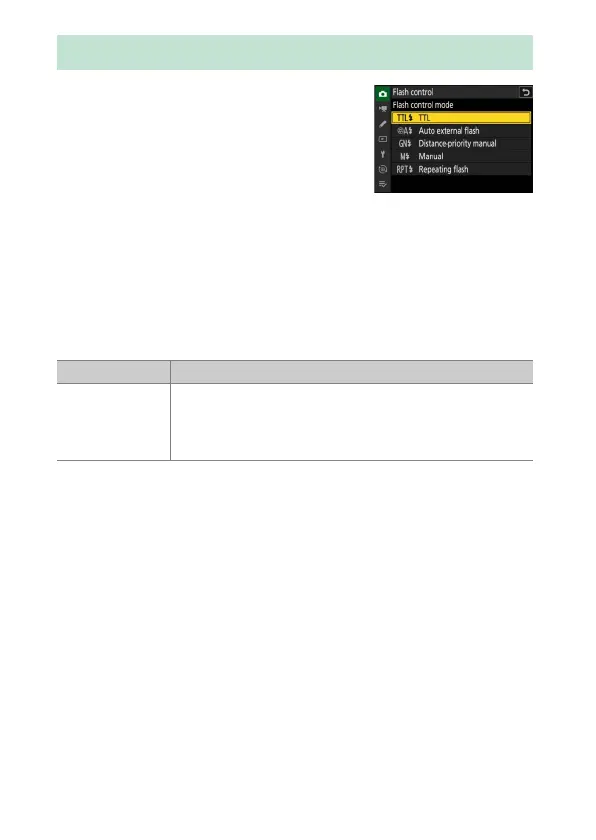
Flash Control Mode
When a flash unit that supports unified flash
control (an SB-5000, SB-500, SB-400, or
SB-300;
0
428) is mounted on the camera, the
flash control mode, flash level, and other flash
settings can be adjusted using the [Flash
control]> [Flash control mode] item in the
photo shooting menu. The flash control
modes available vary with the flash used. The options available in the
flash control display vary with the option selected for [Flash control
mode].
•
Settings for flash units other than the SB-5000, SB-500, SB-400, and
SB-300 can only be adjusted using flash unit controls.
•
Settings for an SB-5000 mounted on the accessory shoe can also be
adjusted using the controls on the flash unit.
Flash Control Mode
Option Description
[TTL]
•
Flash output is adjusted automatically in response to
shooting conditions.
•
Output can be adjusted using [Flash compensation
(TTL)].



 To Next Page