545
C
The Photo Shooting Menu: Shooting Options
Interval-Timer Photography
D
Before Shooting
•
Take a test shot at current settings.
•
Before proceeding, select [Time zone and date] in the setup menu and
make sure that the camera clock is set to the correct time and date.
•
To ensure that shooting is not interrupted, use a fully-charged battery, the
supplied charging AC adapter, or an optional AC adapter and power
connector.
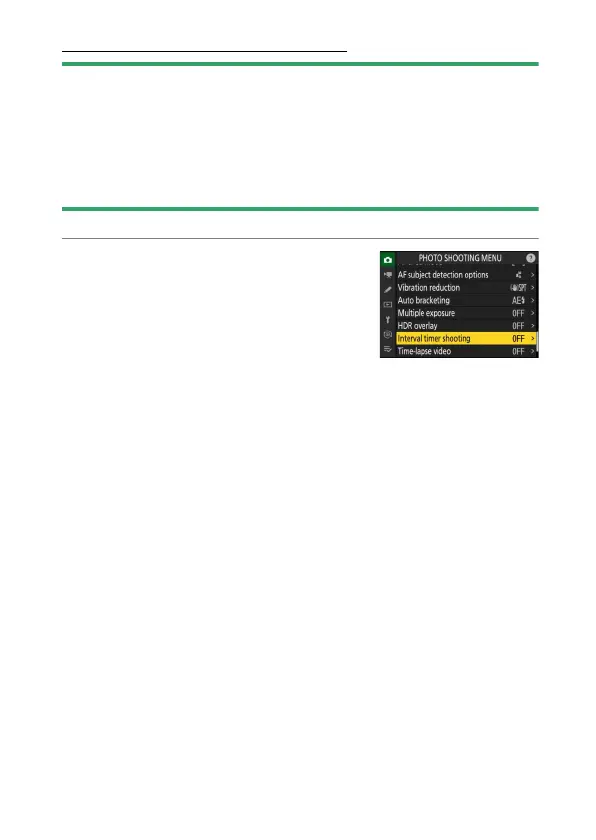
1
Highlight [Interval timer shooting] in
the photo shooting menu and press
2
.



 To Next Page