699
D
The Playback Menu: Managing Pictures
Copy pictures from one memory card to another when two memory
cards are inserted.
Copying Pictures
1
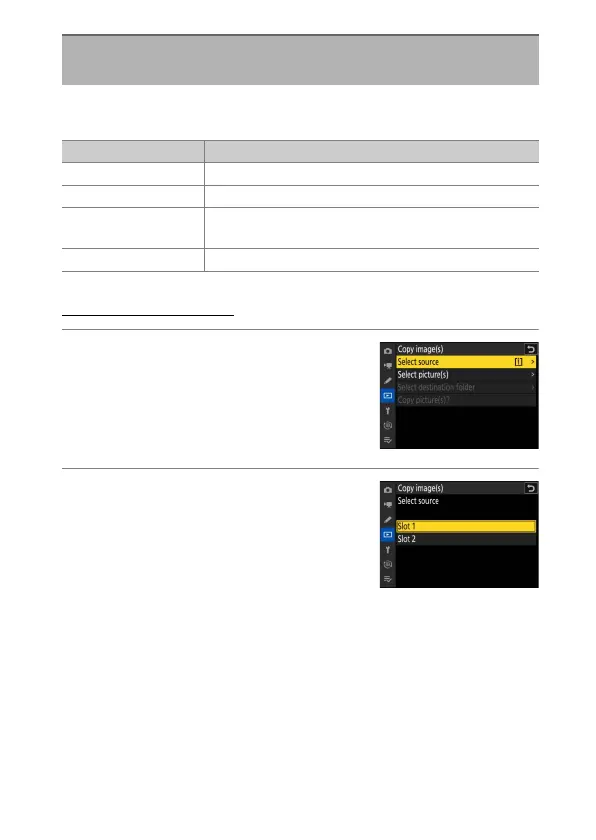
Choose [Select source].
Highlight [Select source] and press
2
to
display the [Select source] dialog.
2
Select the card containing the pictures
to be copied.
Highlight the slot for the card containing
the pictures to be copied and press
J
to
select the highlighted slot and return to
the [Copy image(s)] menu.
Copy Image(s)
G
button
U
D
playback menu
Option Description
[Select source] Choose the card from which pictures will be copied.
[Select picture(s)] Select pictures to be copied.
[Select destination
folder]
Select the destination folder on the remaining card
(the card not selected for [Select source]).
[Copy picture(s)?] Copy the pictures.



 To Next Page