631
A
Custom Settings: Fine-Tuning Camera Settings
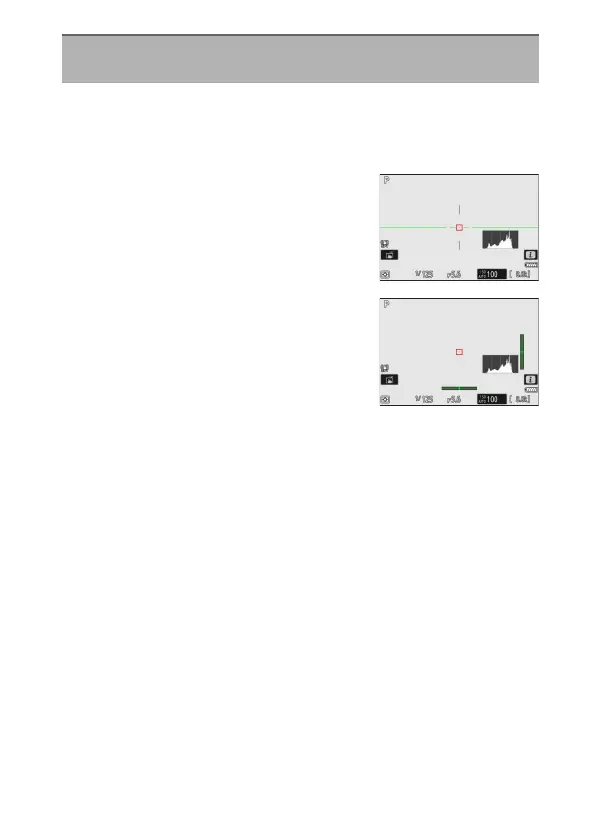
Choose a virtual horizon for the shooting display. The selected virtual
horizon can be displayed by placing a check (
M
) next to
D
in the list for
Custom Setting d17 [Custom monitor shooting display] (
0
634) or
d18 [Custom viewfinder shooting display] (
0
636).
•
[Type A]: A large indicator showing roll and
pitch fills the display.
•
[Type B]: A roll indicator appears at the
bottom of the display and a pitch indicator
at its right edge.
* The indicators are displayed in green when the camera is level.
d16: Virtual Horizon Type
G
button
U
A
Custom Settings menu



 To Next Page