569
C
The Photo Shooting Menu: Shooting Options
Focus Shift Photography
D
Before Shooting
•
Take a test shot at current settings.
•
To ensure that shooting is not interrupted, use a fully-charged battery, the
supplied charging AC adapter, or an optional AC adapter and power
connector.
1
Focus.
•
During focus shift, the camera takes a series of shots starting from
a selected focus position and continuing toward infinity. Given
that shooting ends when infinity is reached, the starting focus
position should be slightly in front of (i.e., closer to the camera
than) the closest point on the subject.
•
Do not move the camera after focusing.
2
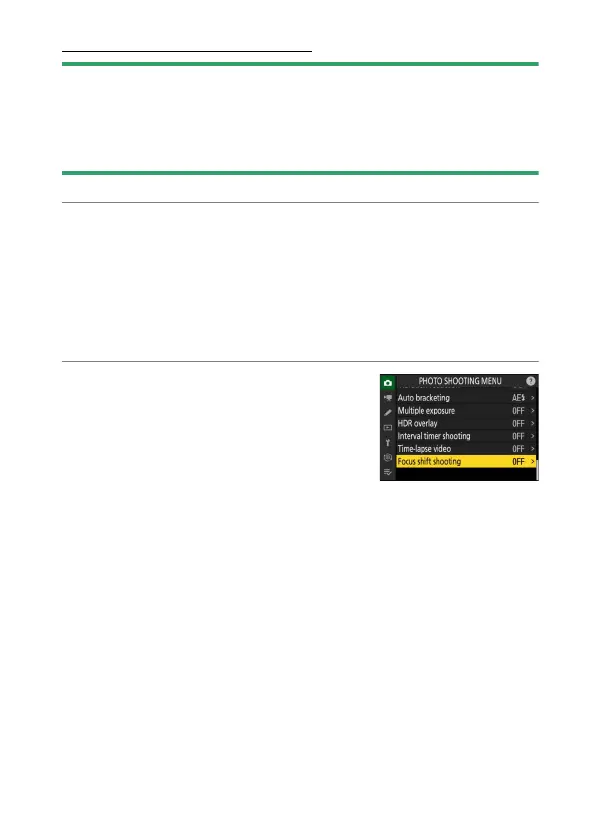
Highlight [Focus shift shooting] in the
photo shooting menu and press
2
.



 To Next Page