607
A
Custom Settings: Fine-Tuning Camera Settings
Choose from the focus point display options below.
Manual Focus Mode
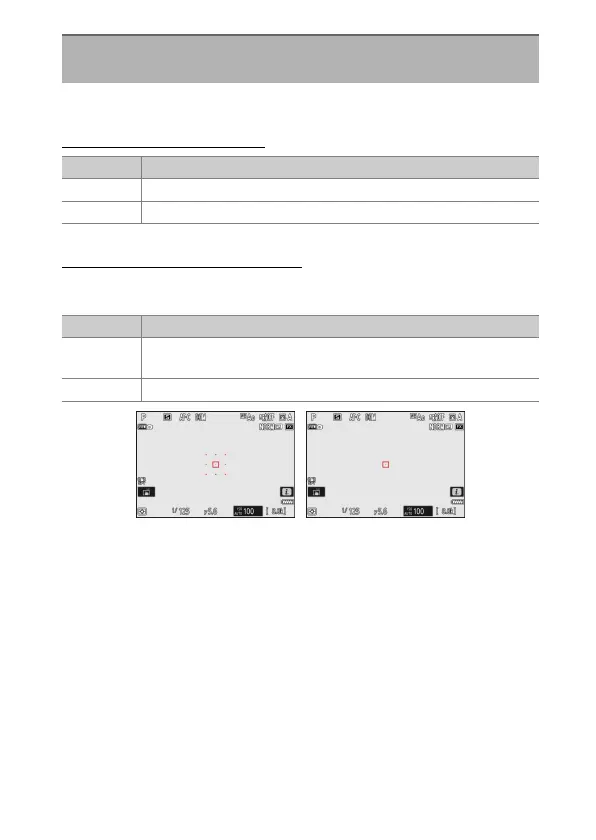
Dynamic-Area AF Assist
Choose whether both the selected focus point and the surrounding
focus points are displayed in dynamic-area AF mode.
a11: Focus Point Display
G
button
U
A
Custom Settings menu
Option Description
[ON] The focus point is displayed at all times in manual focus mode.
[OFF] The focus point is displayed only during focus point selection.
Option Description
[ON]
Display both the selected focus point and surrounding focus
points.
[OFF] Display only the selected focus point.
[ON] ([Dynamic-area AF
(M)])
[OFF]



 To Next Page