290
Editing Videos
Videos can be edited using the following options:
•
These options are not available with videos recorded with [ProRes
422 HQ 10-bit (MOV)] or [H.265 10-bit (MOV)] selected for [Video
file type] in the video recording menu.
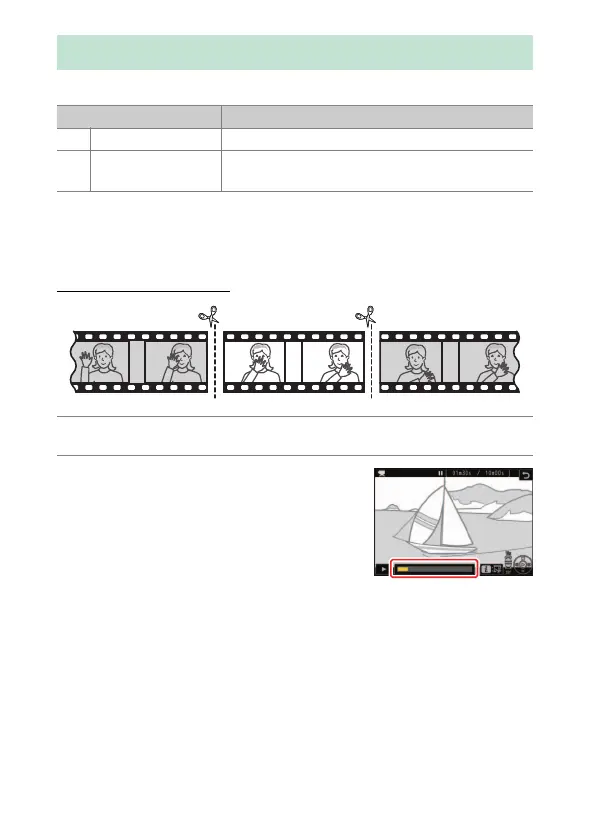
Trimming Videos
1
Display a video full frame.
2
Pause the video on the new opening
frame.
•
Press
J
to start playback. Press
3
to
pause.
•
Your approximate position in the video
can be ascertained from the video
progress bar.
•
Press
4
or
2
or rotate the command dials to locate the desired
frame.
Editing Videos
Option Description
9
[Trim video] Trim unwanted footage.
4
[Save current
frame]
Save a selected frame as a JPEG still.



 To Next Page