361
Computers: Connecting via Ethernet or Wireless LAN
Camera Control
The camera can be controlled from a computer running Camera Control
Pro 2. Photos can be saved directly to the computer instead of to the
memory card and can consequently be taken even when no memory
card is inserted in the camera.
•
You will still need to insert a memory card when filming videos.
•
Note that the camera standby timer does not expire in camera control
mode.
•
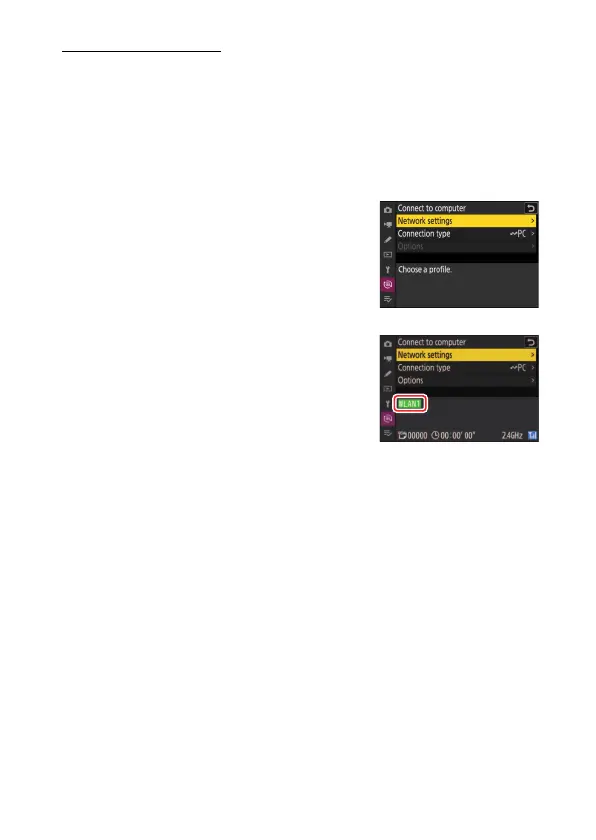
Before using Camera Control Pro 2, connect
the camera and computer via Ethernet or a
wireless network. Connect using a host
profile selected via the network menu
[Connect to computer]> [Network
settings] list.
•
When a connection is established, the
profile name will be displayed in green in
the camera [Connect to computer] menu.



 To Next Page