360
Computers: Connecting via Ethernet or Wireless LAN
D
Caution: During Upload
Do not remove the memory card or disconnect the Ethernet cable during
upload.
D
Voice Memos
Voice memos will be included when the associated pictures are transmitted.
They cannot, however, be uploaded separately.
D
Interval-Timer Photography
Choose a long standby time before starting the interval timer, as upload will
be interrupted if the standby timer expires while interval-timer photography
is in progress.
D
Turning the Camera Off
The camera saves transfer marking when turned off and resumes upload
when next turned on.
A
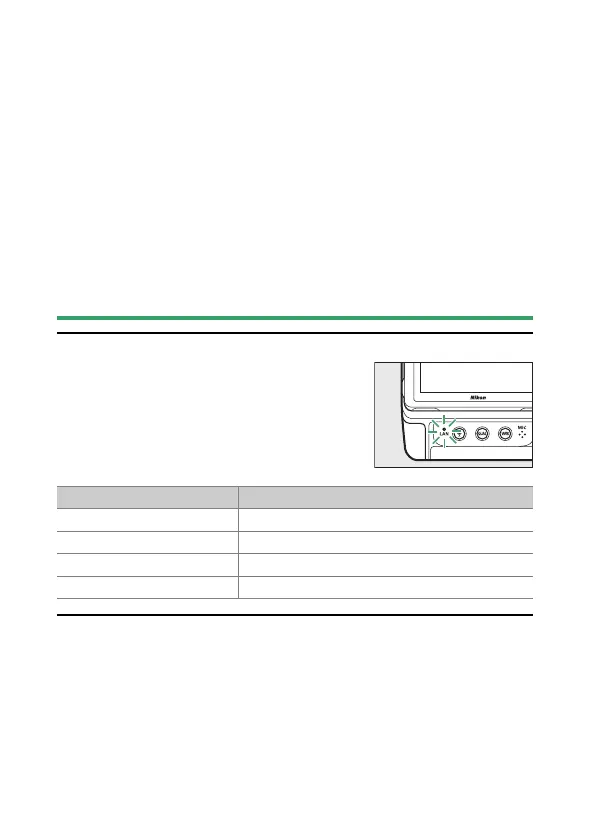
Connection Status
Connection status is shown by the camera
network indicator.
Network indicator Status
I
(off) No connection.
K
(green) Waiting to connect.
H
(flashes green) Connected.
H
(flashes amber) Error.



 To Next Page