489
Defaults
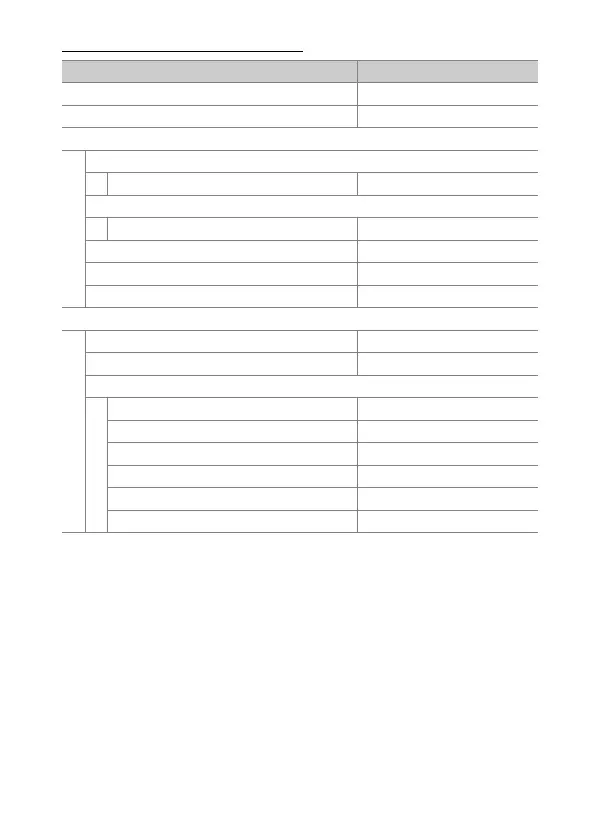
Network Menu Defaults
Network menu option Default
[Airplane mode]OFF
[Wired LAN]OFF
[Connect to smart device]
[Pairing (Bluetooth)]
[Bluetooth connection]OFF
[Select pictures for upload]
[Auto select for upload]ON
[Wi-Fi connection]—
[Upload while off]ON
[Location data (smart device)]—
[Connect to computer]
[Network settings]—
[Connection type] Picture transfer
[Options]
[Auto upload]OFF
[Delete after upload]OFF
[Upload RAW + JPEG as] RAW + JPEG
[JPEG+JPEG slot selection]Slot 1
[Upload folder]—
[Deselect all?]—



 To Next Page