726
B
The Setup Menu: Camera Setup
D
Cautions: Copyright Information
•
To prevent unauthorized use of the artist or copyright holder names, make
sure that [OFF] is selected for [Attach copyright information] before
lending or transferring the camera to another person. You will also need to
make sure that the artist and copyright fields are blank.
•
Nikon does not accept liability for any damages or disputes arising from
the use of the [Copyright information] option.
D
Viewing Copyright Information
•
Copyright information can be viewed on the [Copyright info] page in the
photo information display.
•
To display the [Copyright info] page, select (
M
) both [Shooting data] and
[Copyright info] for [Playback display options] in the playback menu.
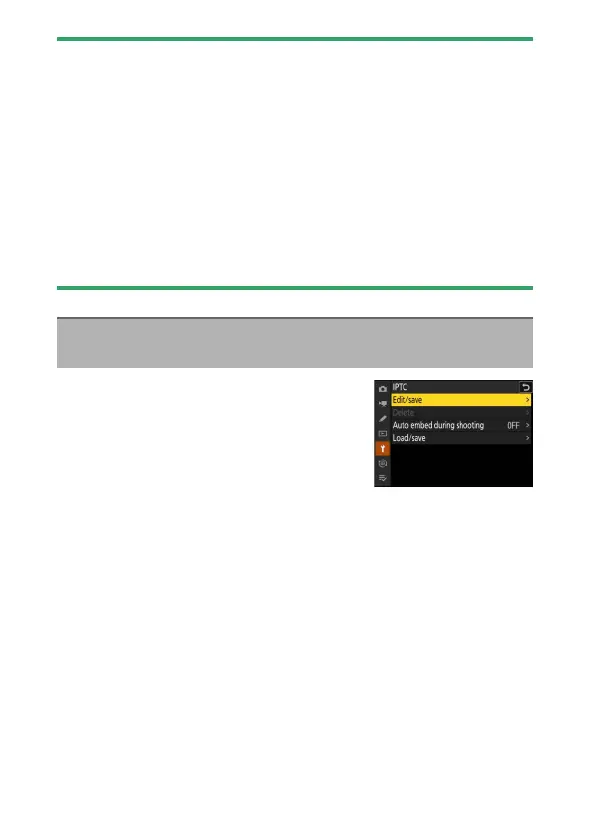
IPTC presets can be created or edited on the
camera and embedded in new photographs
as described below.
•
You can also load IPTC presets created on a
computer.
•
To create IPTC presets and save them to
memory cards for later import, use IPTC Preset Manager (
0
731).
IPTC
G
button
U
B
setup menu



 To Next Page