283
Creating Retouched Copies
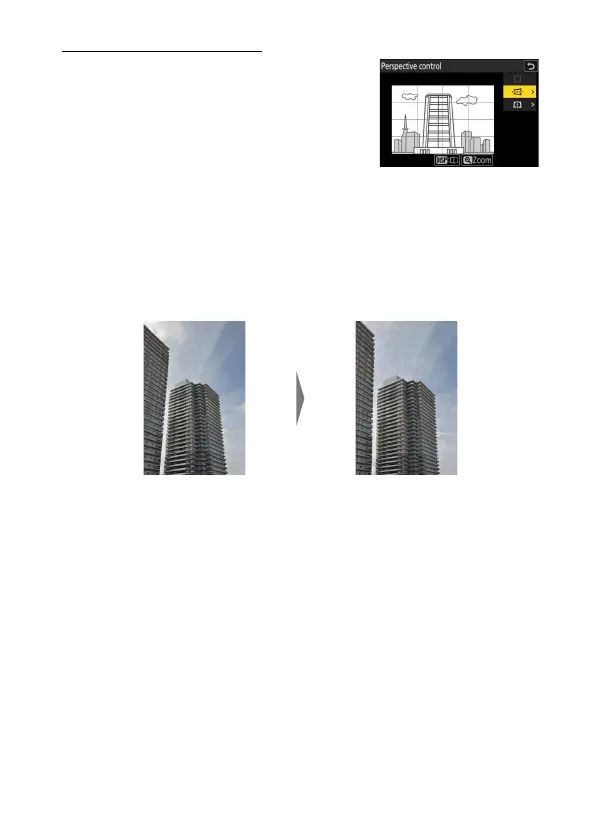
Perspective Control
Create copies that reduce the horizontal and
vertical effects of perspective in photos taken
looking up from the base of a tall object.
•
The effect can be previewed in the edit
display. To view the unedited picture, press
and hold the DISP button.
•
Note that greater amounts of perspective control result in more of the
edges being cropped out.
•
For horizontal correction, highlight
J
and press
2
. Press
1
to
stretch the left edge,
3
to stretch the right.
•
For vertical correction, highlight
K
and press
2
. Press
1
to stretch
the top edge,
3
to stretch the bottom.
•
Press
J
to save the retouched copy.
Before After



 To Next Page