284
Creating Retouched Copies
Monochrome
Copy photographs in a selected monochrome tint.
•
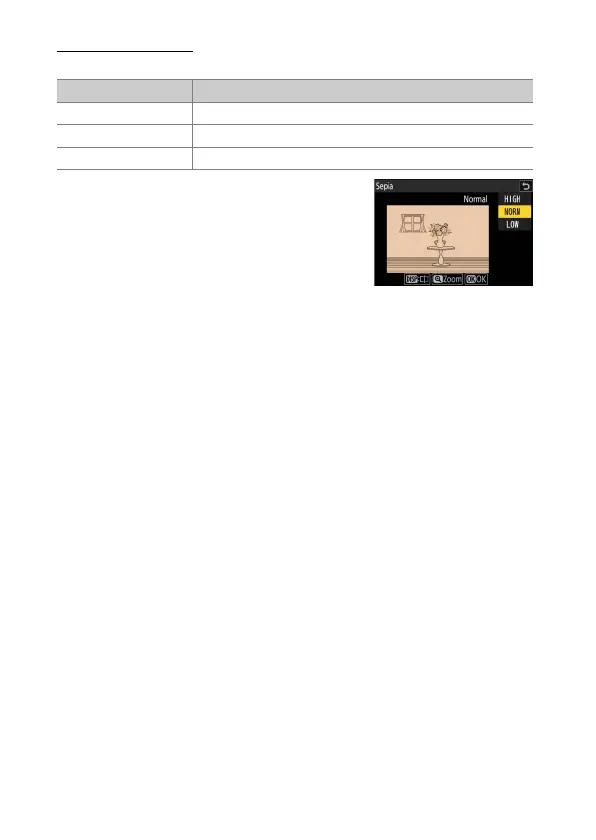
The effect can be previewed in the edit
display. To view the unedited picture, press
and hold the DISP button.
•
Highlighting [Sepia] or [Cyanotype] and
pressing
2
displays saturation options for
the selected monochrome tint; choose from
[High], [Normal], and [Low]. Press
J
to save
changes and return to the tint menu.
•
Press
J
to save the retouched copy.
Option Description
[Black-and-white] Copy photographs in black-and-white.
[Sepia] Copy photographs in sepia.
[Cyanotype] Copy photographs in blue-and-white monochrome.



 To Next Page