264
Creating Retouched Copies
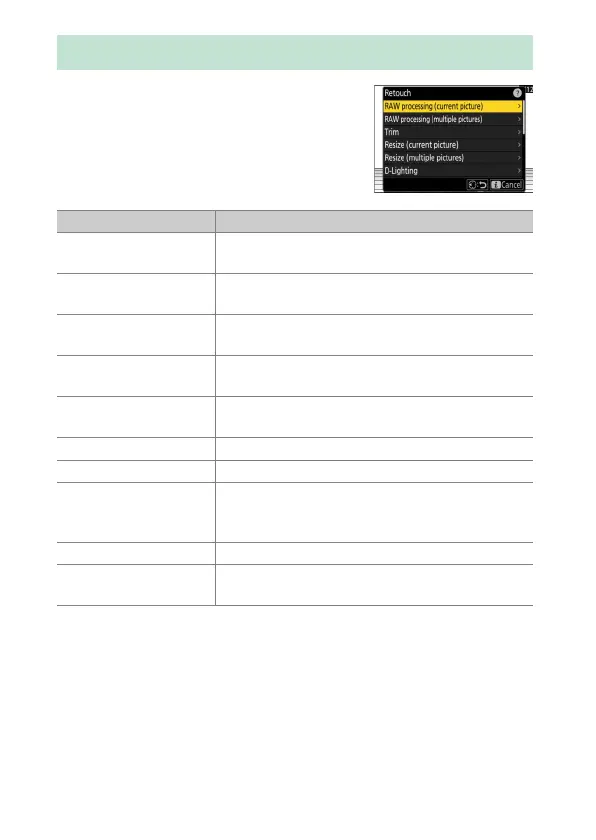
Retouched copies can be created from
existing pictures. Retouched copies are saved
to new files, separate from the original
pictures.
Creating Retouched Copies
Option Description
[RAW processing
(current picture)]
Save a copy of the current NEF (RAW) picture in
another format such as JPEG (
0
267).
[RAW processing
(multiple pictures)]
Select multiple existing NEF (RAW) pictures for
conversion to JPEG or other formats (
0
269).
[Trim]
Create a cropped copy of the current photograph
(
0
273).
[Resize (current
picture)]
Create a small copy of the current photograph
(
0
274).
[Resize (multiple
pictures)]
Create small copies from one or more existing
photos (
0
276).
[D-Lighting] Brighten shadows (
0
280).
[Straighten] Straighten pictures (
0
281).
[Distortion control]
Reduce barrel distortion in pictures taken with
wide-angle lenses or pin-cushion distortion in
pictures taken with telephoto lenses (
0
282).
[Perspective control] Reduce the effects of perspective (
0
283).
[Monochrome]
Create a monochrome copy of the current
photograph (
0
284).



 To Next Page