265
Creating Retouched Copies
1
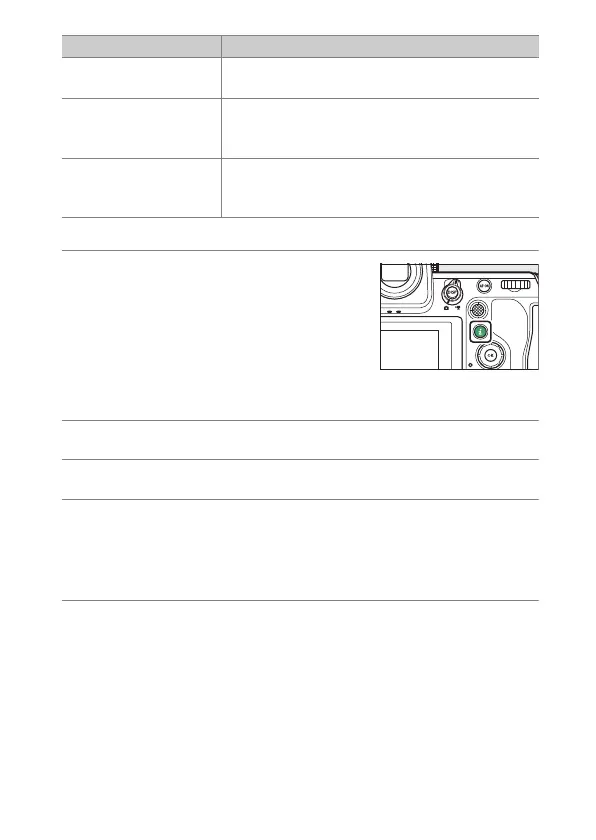
Select the desired picture with the multi
selector and press the
i
button.
You will not need to select a picture if you
are using [RAW processing (multiple
pictures)] or [Resize (multiple pictures)],
as you will be prompted to choose the
pictures later.
2
Highlight [Retouch] and press
2
.
3
Highlight the desired option and press
2
.
4
Select retouch options.
•
For more information, see the section for the selected item.
•
To exit without creating a retouched copy, press
K
. This will
return you to the playback display.
5
Create a retouched copy.
•
For more information, see the section for the selected item.
•
Retouched copies are indicated by a
p
icon.
[Overlay (add)]
Overlay two pictures to create a new picture in
JPEG format (
0
285).
[Lighten]
Compare the pixels at each point in multiple
pictures and select the brightest to create a new
picture in JPEG format (
0
287).
[Darken]
Compare the pixels at each point in multiple
pictures and select the darkest to create a new
picture in JPEG format (
0
287).
Option Description



 To Next Page