322
Making the Connection
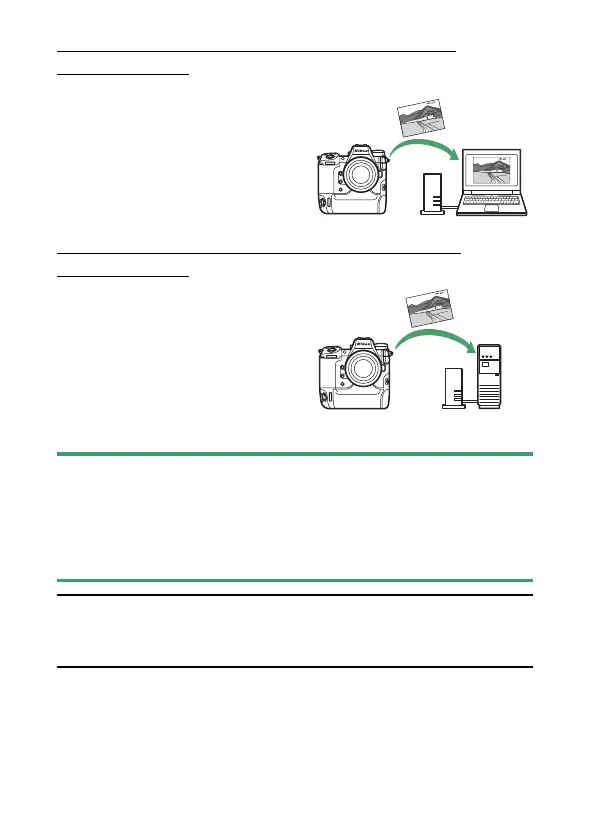
Computers: Connecting via Ethernet or
Wireless LAN
Connect to a computer via Ethernet
or using the camera’s built-in
wireless LAN. You can upload
pictures to the computer or control
the camera remotely via a network
using optional Camera Control
Pro 2 software (
0
327).
FTP Servers: Connecting via Ethernet or
Wireless LAN
Upload pictures to an FTP server via
Ethernet or using the camera’s
built-in wireless LAN (
0
366).
D
Can’t Connect?
If you have trouble establishing a connection with a computer or FTP server,
try:
•
turning the camera off and then on again,
•
checking wireless settings on the computer or FTP server, or
•
restarting the computer or FTP server.
A
Wireless LAN and Ethernet Errors
For information on wireless- or Ethernet-related errors, see “Troubleshooting
Wireless LAN and Ethernet Connections” (
0
397).
FTP



 To Next Page