744
B
The Setup Menu: Camera Setup
Choose whether the supplied charging AC adapter or computers
connected via USB can be used to power the camera (USB power
delivery). USB power delivery allows the camera to be used while
limiting the drain on the battery.
•
Power will only be supplied to the camera when the battery is
inserted.
•
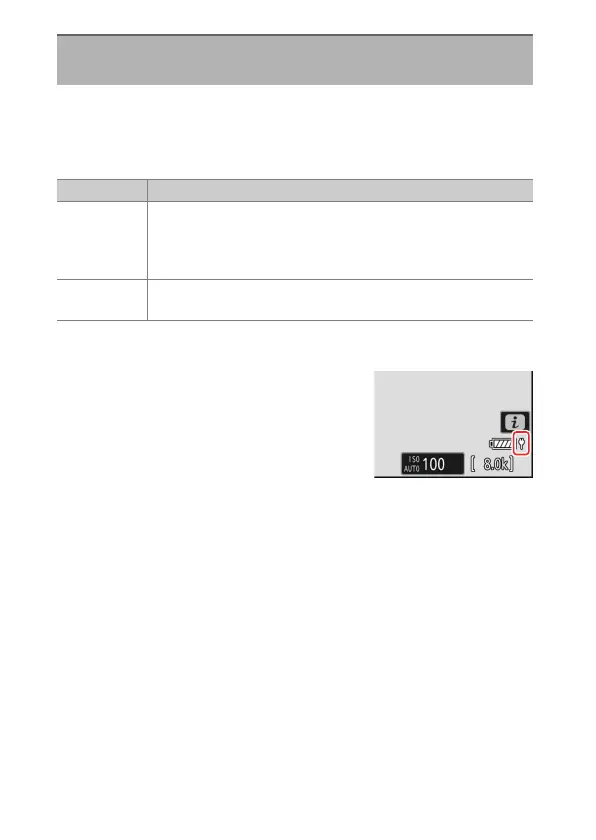
A USB power delivery icon appears in the
shooting display and the control panel
when the camera is powered by an external
source.
USB Power Delivery
G
button
U
B
setup menu
Option Description
[ON]
The camera draws power from connected devices while on.
Connected devices will also supply power when the camera
is off if Bluetooth upload is in progress or the memory card
access lamp is lit.
[OFF]
The camera does not draw power from connected devices at
any time.



 To Next Page