167
White Balance
Choosing a Color Temperature
❚❚
Using the Menus
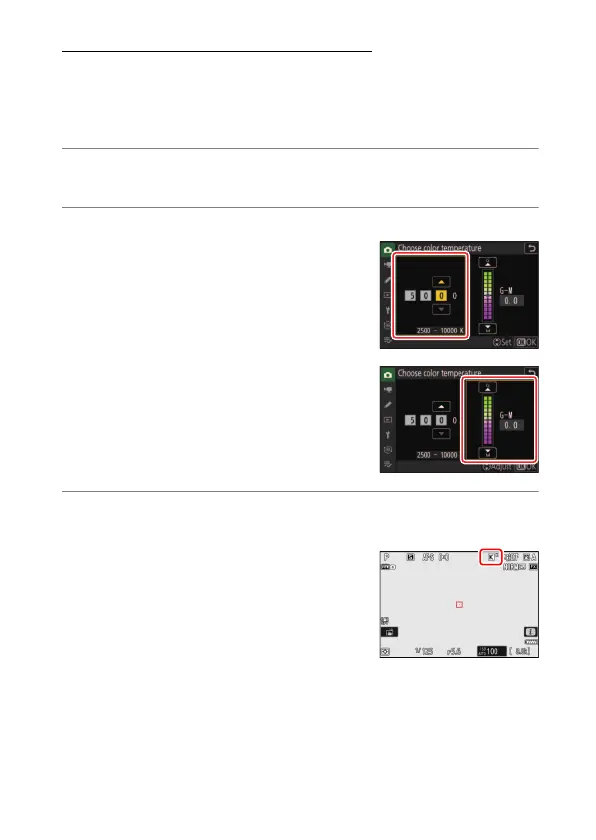
Choose a color temperature by entering values for the A (amber)–B
(blue) and G (green)–M (magenta) axes.
1
Select [White balance] in the photo shooting menu, then
highlight
K
[Choose color temperature] and press
2
.
2
Choose a color temperature.
•
Press
4
or
2
to highlight digits on the
amber (A)–blue (B) axis and press
1
or
3
to change.
•
Press
4
or
2
to highlight the value for
the green (G)–magenta (M) axis and
press
1
or
3
to change.
3
Save changes.
•
Press
J
to save changes and exit to the menus.
•
If a value other than 0 is selected for the
green (G)–magenta (M) axis, an asterisk
(“
U
”) will appear in the white balance
icon.



 To Next Page