168
White Balance
❚❚
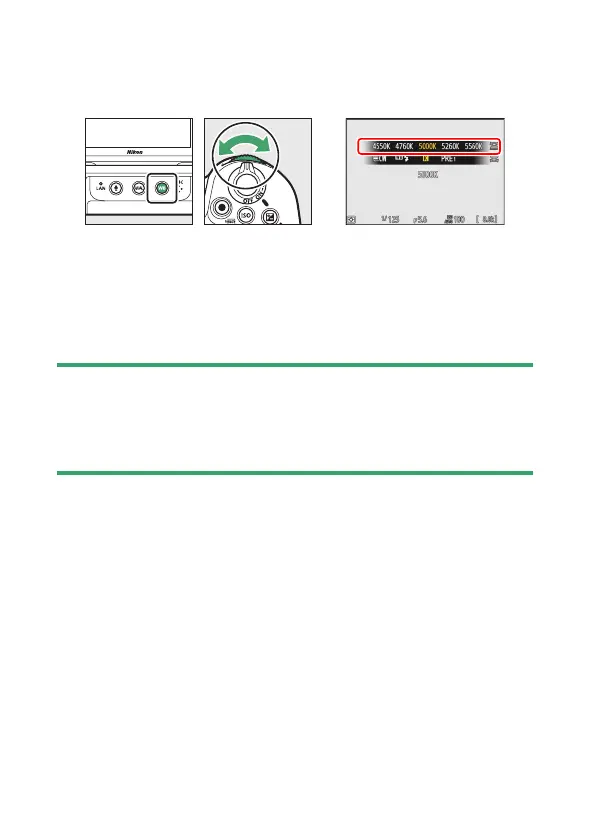
Using Buttons (Amber–Blue Only)
To adjust color temperature when [Choose color temperature] is
selected for white balance, hold the
U
button and use the multi
selector or rotate the sub-command dial.
•
Hold the
U
button and rotate the sub-command dial to choose a
color temperature in mireds.
•
To highlight a digit, hold the
U
button and press
4
or
2
. Press
1
or
3
to edit the highlighted digit.
•
Changes apply only to the A (amber)–B (blue) axis.
•
The selected setting takes effect when the
U
button is released.
D
Cautions: Color-Temperature Selection
•
Do not use color-temperature selection with fluorescent light sources;
instead, use the
I
[Fluorescent] option.
•
When using color-temperature selection with other light sources, take a
test shot to determine if the selected value is appropriate.



 To Next Page