53
Parts of the Camera
Touch Controls
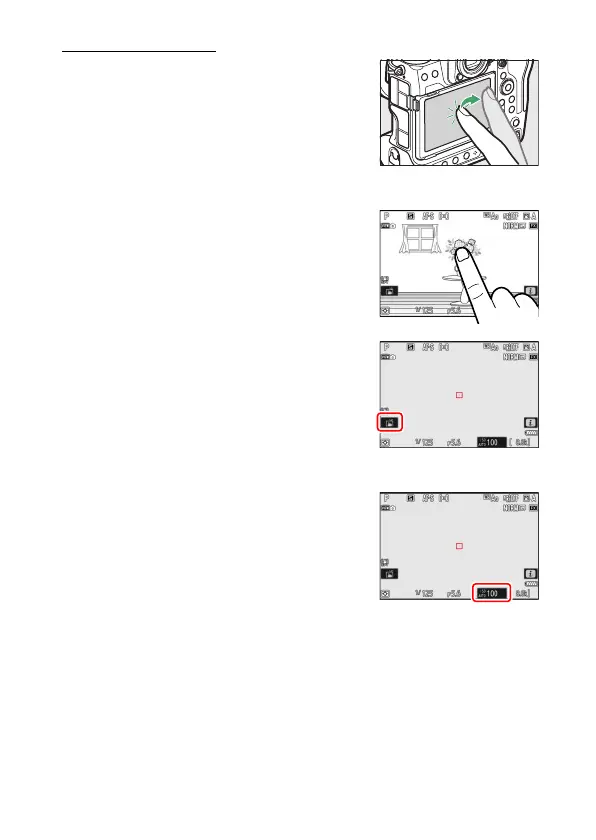
The touch-sensitive monitor offers a variety of
controls that can be operated by touching the
display with your fingers. During viewfinder
photography, touch controls are disabled and
cannot be used for focus or the like.
❚❚
Focusing and Releasing the Shutter
•
Touch the monitor to focus on the selected
point (touch AF).
•
In photo mode, the shutter will be released
when you lift your finger from the display
(touch shutter).
•
Touch shutter/AF settings can be adjusted
by tapping the
W
icon (
0
124).
❚❚
Adjusting Settings
•
Tap highlighted settings in the display.
•
You can then choose the desired option by
tapping icons or sliders.



 To Next Page