274
Creating Retouched Copies
Resize
Create small copies of selected photographs. Use [Resize (current
picture)] to resize the current picture, or [Resize (multiple pictures)] to
resize multiple pictures.
D
Caution: Resize
Depending on the copy size, playback zoom may not be available when
resized copies are displayed.
D
Resizing Cropped Pictures
Pictures cropped to aspect ratios of 4 : 3 or 3 : 4 cannot be resized.
❚❚
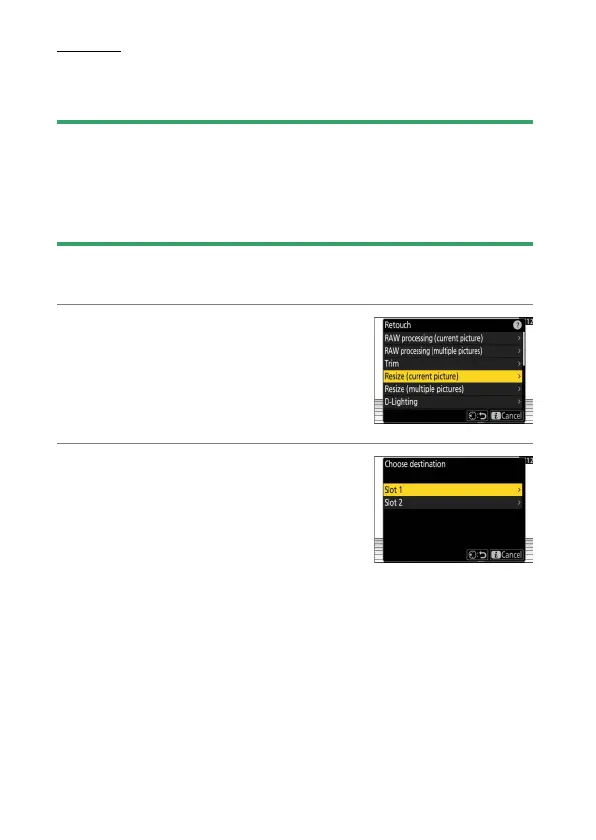
Resizing the Current Picture
1
Select [Retouch] in the
i
menu, then
highlight [Resize (current picture)] and
press
2
.
2
Choose a destination.
•
Press
1
or
3
to highlight a card slot and
press
J
.
•
You will not be prompted to select the
slot if only one memory card is inserted.



 To Next Page