720
B
The Setup Menu: Camera Setup
Acquire reference data for the Image Dust Off option in NX Studio.
Image Dust Off processes NEF (RAW) pictures to mitigate effects caused
by dust adhering in front of the camera image sensor. For more
information, refer to NX Studio’s online help.
Acquiring Image Dust Off Reference Data
1
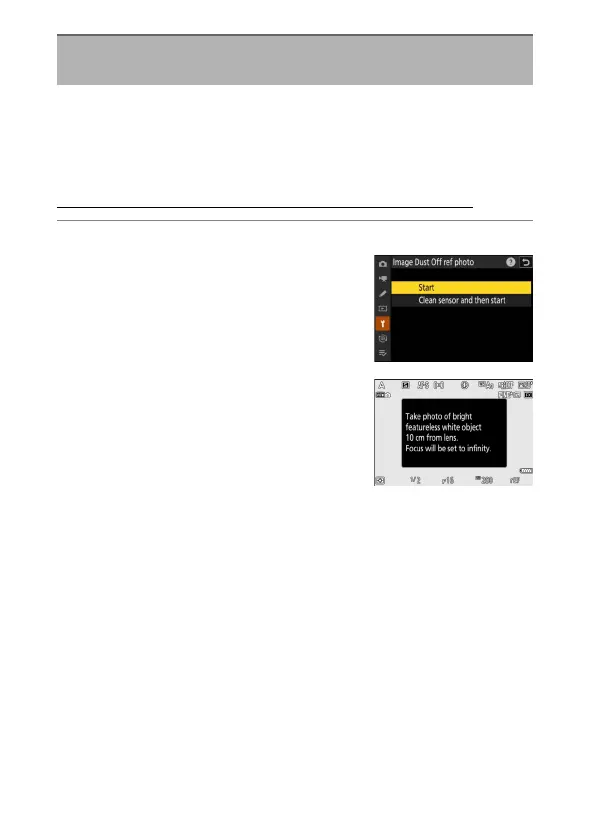
Choose a start option.
•
Highlight [Start] and press
J
to
immediately display the [Image Dust
Off ref photo] dialog.
•
Highlight [Clean sensor and then start]
and press
J
to clean the image sensor
before starting. The [Image Dust Off ref
photo] dialog will be displayed when
image sensor cleaning is complete.
•
To exit without acquiring Image Dust Off
reference data, press
G
.
Image Dust Off Ref Photo
G
button
U
B
setup menu



 To Next Page