464
Defaults
Menu Guide
The defaults for the photo shooting, video recording, Custom Settings,
playback, setup, and network menus are listed below.
Photo Shooting Menu Defaults
Defaults
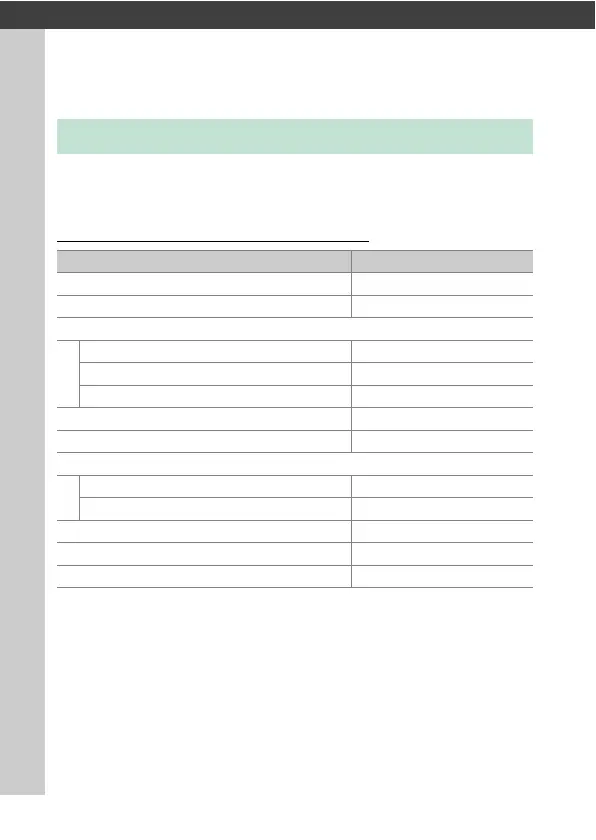
Photo shooting menu option Default
[Shooting menu bank]A
[Extended menu banks]OFF
[Storage folder]
[Rename]NCZ_9
[Select folder by number]100
[Select folder from list]—
[File naming]DSC
[Role played by card in Slot 2] Overflow
[Image area]
[Choose image area] FX (36×24)
[DX crop alert]OFF
[Image quality] JPEG normal
[Image size] Large
[RAW recording] High efficiency
m



 To Next Page