263
Deleting Pictures
❚❚
Deleting All Pictures
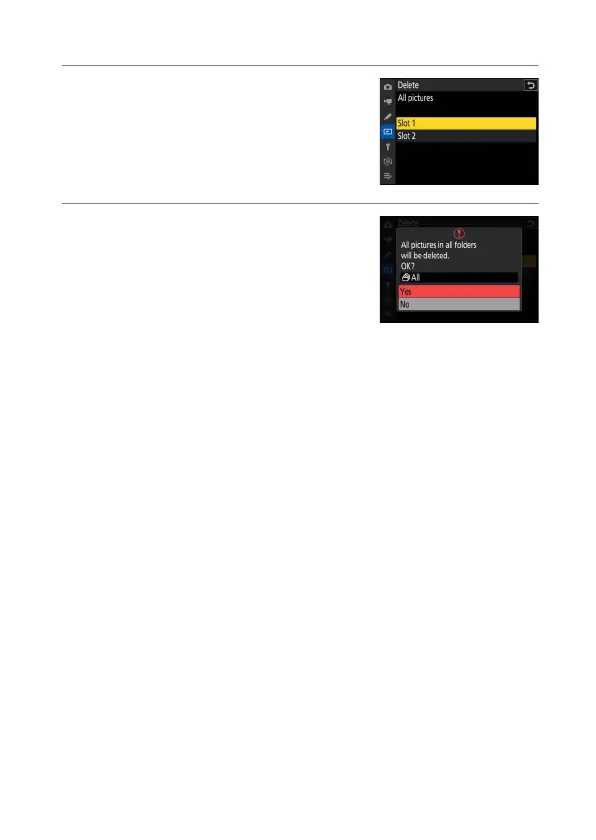
1
Choose a memory card.
Press
1
or
3
to highlight the slot
containing the memory card from which
the pictures will be deleted and press
J
.
2
Delete the pictures.
•
A confirmation dialog will be displayed
showing the name of the folder
containing the photos to be deleted.
Highlight [Yes] and press
J
to delete all
pictures from the folder. The folder is
that previously selected via [Playback
folder] in the playback menu.
•
Note that depending on the number of pictures, some time may
be required for deletion.



 To Next Page