142
Exposure
2
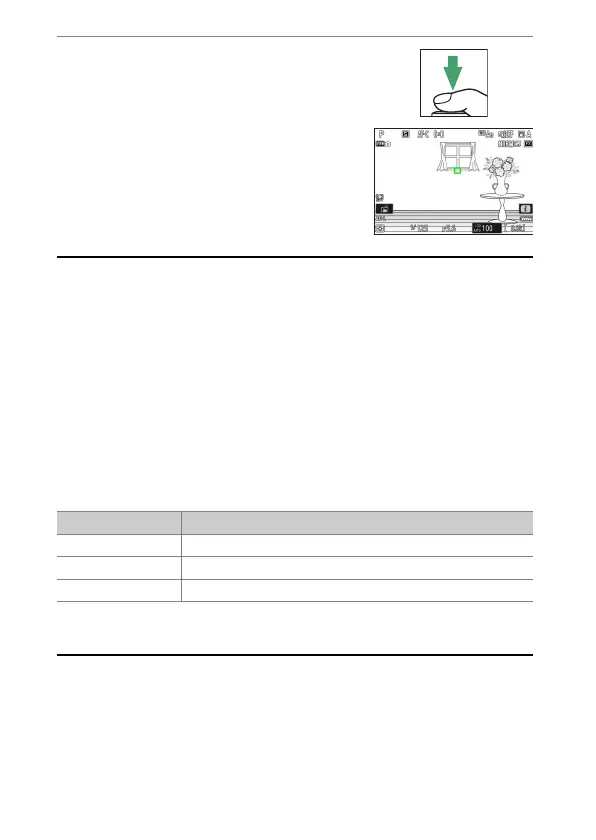
Keeping the center of the sub-selector
pressed, recompose the photograph
and shoot.
A
Locking Exposure with the Shutter-Release Button
If [On (half press)] is selected for Custom Setting c1 [Shutter-release
button AE-L], exposure will lock while the shutter-release button is pressed
halfway.
A
Metered Area
•
With [Spot metering], exposure will be locked at the value metered in a
circle centered on the current focus point.
•
With [Center-weighted metering], exposure will be locked at the value
metered in a 12-mm circle in the center of the display.
A
Adjusting Shutter Speed and Aperture
The following settings can be adjusted while the center of the sub-selector is
pressed:
•
The new values can be confirmed in the shooting display and control
panel.
Mode Setting
P Shutter speed and aperture (flexible program;
0
133)
S Shutter speed
A Aperture



 To Next Page