320
Wireless Connections
5
Smart device: After adjusting device settings as described in
Step 4, return to the SnapBridge app.
•
After establishing a Wi-Fi connection to the camera, the smart
device will display Wi-Fi mode options.
•
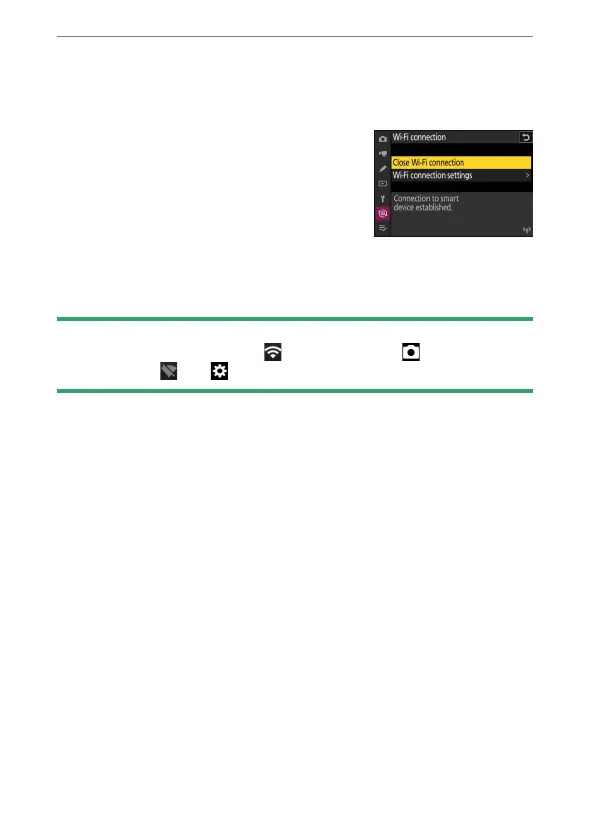
The camera will display a message
stating that the connection is complete.
The camera and smart device are now connected via Wi-Fi.
For information on using the SnapBridge app, see online help.
D
Terminating Wi-Fi Mode
To end the Wi-Fi connection, tap in the SnapBridge tab. When the
icon changes to , tap and select [Exit Wi-Fi mode.].



 To Next Page