109
Image Recording Options (Image Area, Quality, and Size)
The number of pixels in the picture varies with the option selected for
image area (
0
102).
A
Print Size
Print size in inches equals image size in pixels divided by printer resolution in
dots per inch (dpi; 1 inch = 2.54 cm).
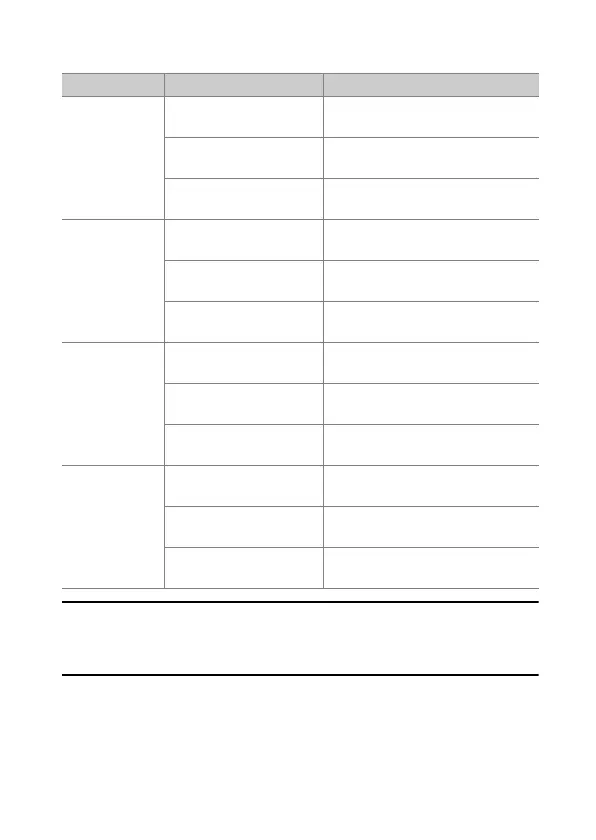
Image area Image size Size when printed at 300 dpi
[FX (36×24)]
Large
(8256 × 5504 pixels)
Approx. 69.9 × 46.6 cm/
27.5 × 18.3 in.
Medium
(6192 × 4128 pixels)
Approx. 52.4 × 35.0 cm/
20.6 × 13.8 in.
Small
(4128 × 2752 pixels)
Approx. 35.0 × 23.3 cm/
13.8 × 9.2 in.
[DX (24×16)]
Large
(5392 × 3592 pixels)
Approx. 45.7 × 30.4 cm/
18.0 × 12.0 in.
Medium
(4032 × 2688 pixels)
Approx. 34.1 × 22.8 cm/
13.4 × 9.0 in.
Small
(2688 × 1792 pixels)
Approx. 22.8 × 15.2 cm/
9.0 × 6.0 in.
[1:1 (24×24)]
Large
(5504 × 5504 pixels)
Approx. 46.6 × 46.6 cm/
18.3 × 18.3 in.
Medium
(4128 × 4128 pixels)
Approx. 35.0 × 35.0 cm/
13.8 × 13.8 in.
Small
(2752 × 2752 pixels)
Approx. 23.3 × 23.3 cm/
9.2 × 9.2 in.
[16:9 (36×20)]
Large
(8256 × 4640 pixels)
Approx. 69.9 × 39.3 cm/
27.5 × 15.5 in.
Medium
(6192 × 3480 pixels)
Approx. 52.4 × 29.5 cm/
20.6 × 11.6 in.
Small
(4128 × 2320 pixels)
Approx. 35.0 × 19.6 cm/
13.8 × 7.7 in.



 To Next Page