161
White Balance
D D
[Natural Light Auto]
D
[Natural light auto] may not produce the desired results under artificial
light. Choose
4
[Auto] or an option that matches the light source.
D
Studio Flash Lighting
4
[Auto] may not produce the desired results with large studio flash units.
Use preset manual white balance or set white balance to
5
[Flash] and use
fine-tuning to adjust white balance.
A
Auto
•
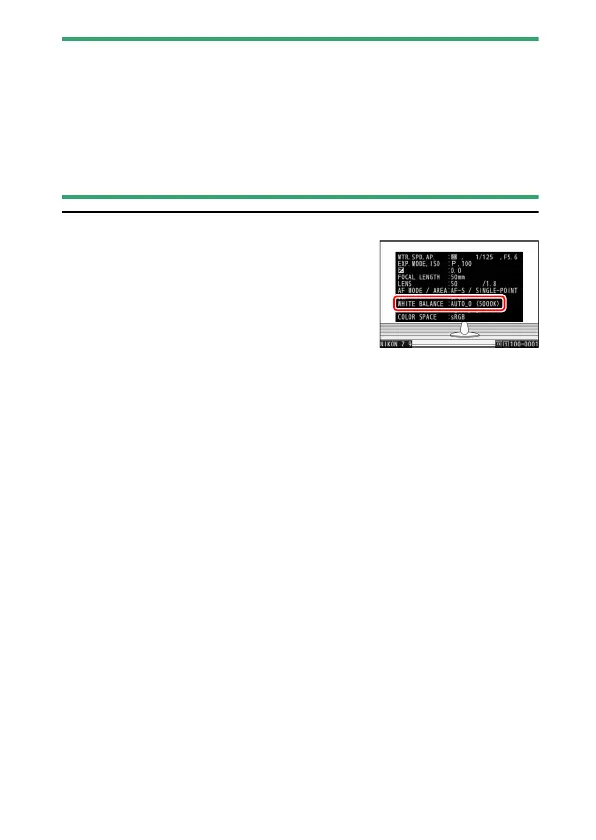
The photo info [Basic shooting data] page for
pictures shot with
4
[Auto] or
D
[Natural
light auto] selected for white balance lists the
color temperature selected by the camera at
the time the picture was taken (
0
235). You can
use this as reference when choosing a value for
K
[Choose color temperature].
•
To view the [Basic shooting data] page during playback, go to [Playback
display options] in the playback menu and place checks (
M
) next to
[Shooting data] and [Basic shooting data].



 To Next Page