189
Bracketing
2
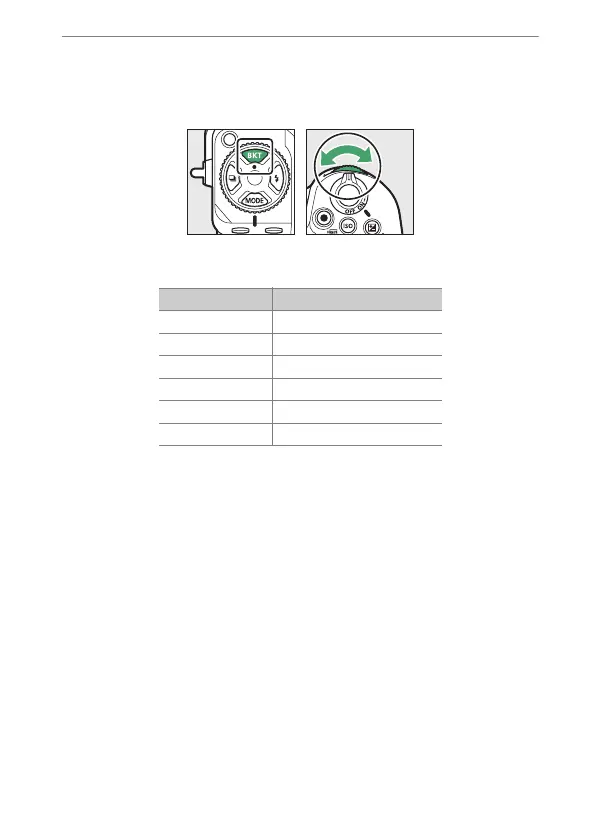
Choose the Active D-Lighting amount.
•
Hold the BKT button and rotate the sub-command dial to choose
the Active D-Lighting setting for the second shot when the
number of shots in the bracketing sequence is 2.
•
The bracketing sequence varies with the Active D-Lighting
amount as follows:
Amount Bracketing sequence
[L]
[Off]
→
[Low]
[N]
[Off]
→
[Normal]
[H]
[Off]
→
[High]
[H1]
[Off]
→
[Extra high 1]
[H2]
[Off]
→
[Extra high 2]
[AUTO]
[Off]
→
[Auto]



 To Next Page