198
Picture Controls
A
The
i
Menu
Highlighting [Set Picture Control] in the
i
menu and pressing
J
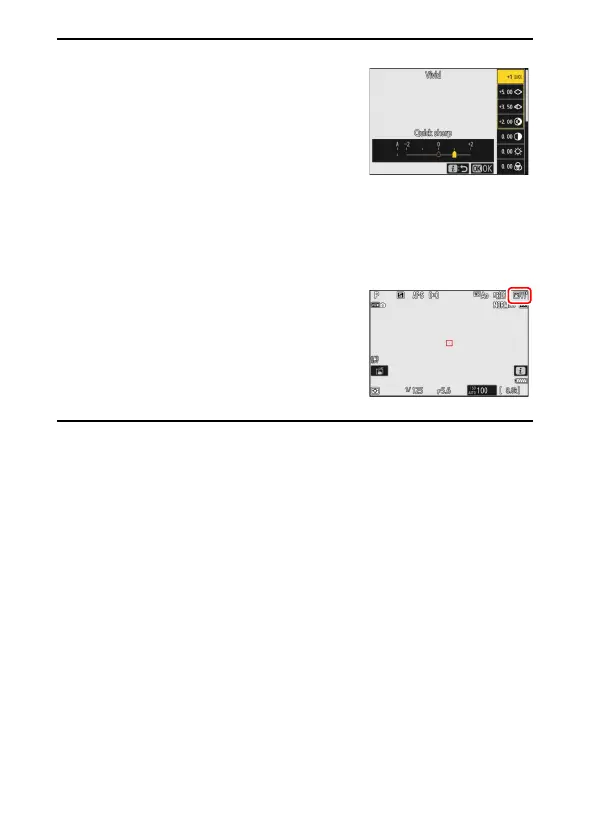
displays a Picture
Control list. Highlight a Picture Control and
press
3
to edit settings while previewing the
effect in the display.
•
Press
1
or
3
to highlight settings. Press
4
or
2
to choose a value in increments of 1, or
rotate the sub-command dial to choose a value in increments of 0.25.
•
The options available vary with the Picture Control selected.
•
To abandon any changes and start over from default settings, press the
O
(
Q
) button.
•
Press
J
to save changes.
•
Picture Controls that have been modified from
default settings are indicated by an asterisk
(“
U
”).


 To Next Page