201
Picture Controls
6
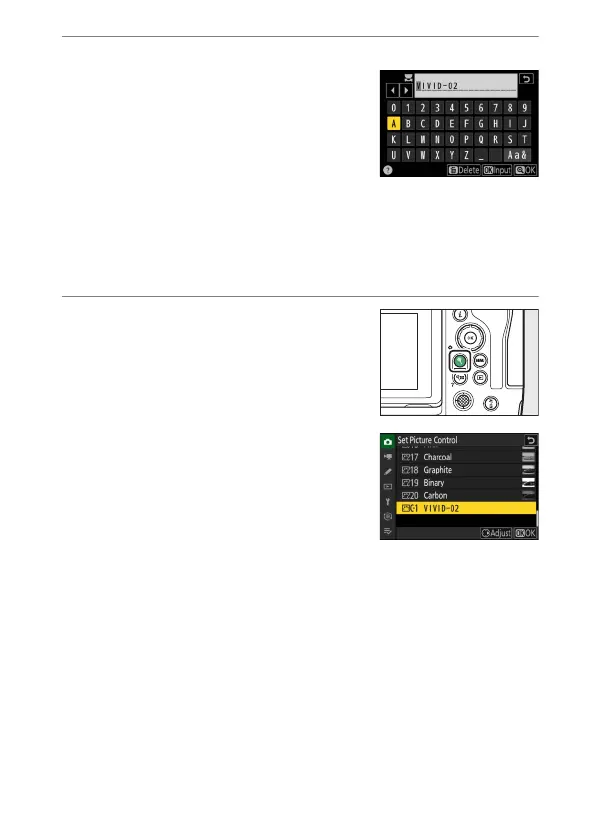
Name the Picture Control.
•
Pressing
2
when a destination is
highlighted in the previous step displays
the [Rename] text-entry dialog.
•
The default name, created by adding a
two-digit number to the name of the
existing Picture Control, appears in the
text display area. The two-digit number
is generated automatically by the camera.
•
Custom Picture Control names can be up to nineteen characters
long.
•
For information on text entry, see “Text Entry” (
0
64).
7
Press the
X
button.
•
Text entry will end.
•
The new Picture Control will be added to
the Picture Control list.



 To Next Page