219
Video Image Area Options
•
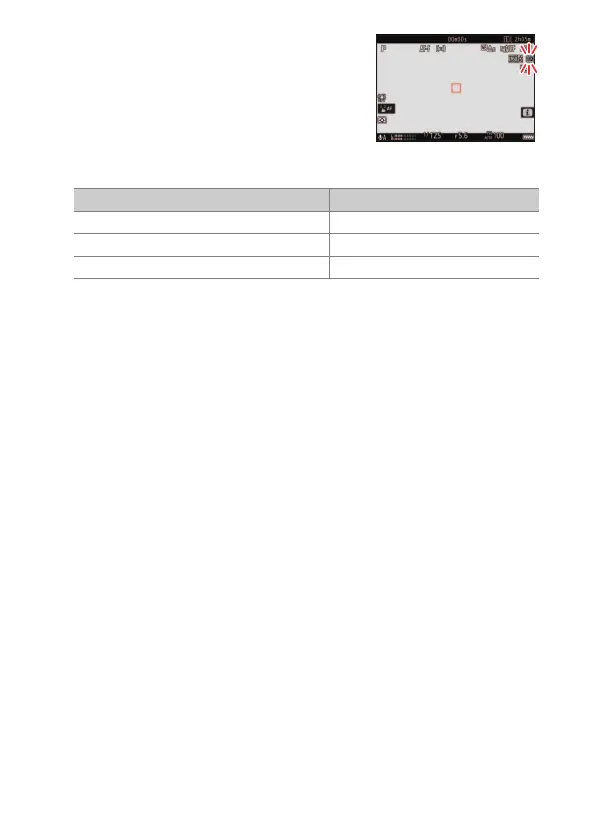
The option currently selected is shown by
an icon in the display. If [ON] is chosen for
[Image area]> [DX crop alert] in the video
recording menu, an image-area icon will
flash in the shooting display when the DX
or 2.3× crop is selected.
•
The sizes of the different crops are shown below.
•
DX-based video format is selected automatically when a DX lens is
attached.
•
When 7680 × 4320 is selected for frame size, image area is fixed at
[FX]. The frame size changes to 3840 × 2160 when a DX lens is
attached.
•
Selecting [ON] for [Electronic VR] in the video recording menu
reduces the size of the crop.
Format Size
FX-based video format Approx. 35.9 × 20.2 mm
DX-based video format Approx. 23.5 × 13.2 mm
2.3× Approx. 16.7 × 9.4 mm



 To Next Page