314
Wireless Connections
❚❚
Pairing
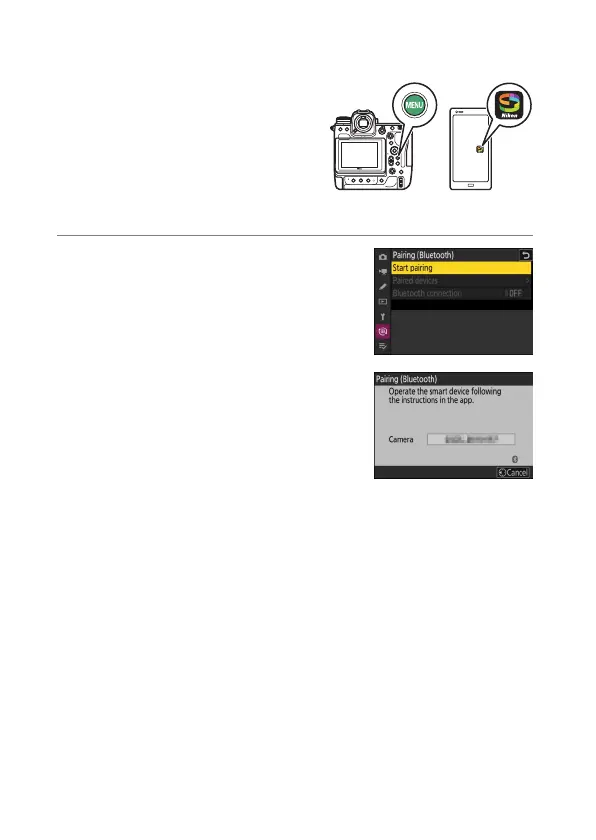
Pair the camera and smart device as described below.
•
Some operations are performed
using the camera, others on the
smart device.
•
Additional instructions are available via SnapBridge online help.
1
Camera: Select [Connect to smart
device] > [Pairing (Bluetooth)] in the
network menu, then highlight [Start
pairing] and press
J
.
The camera name will be displayed in the
monitor.



 To Next Page