347
Computers: Connecting via Ethernet or Wireless LAN
❚❚
Ethernet Network Profiles
Before proceeding, check that an Ethernet cable is connected to the
camera and the Wireless Transmitter Utility (
0
328) is installed on the
computer.
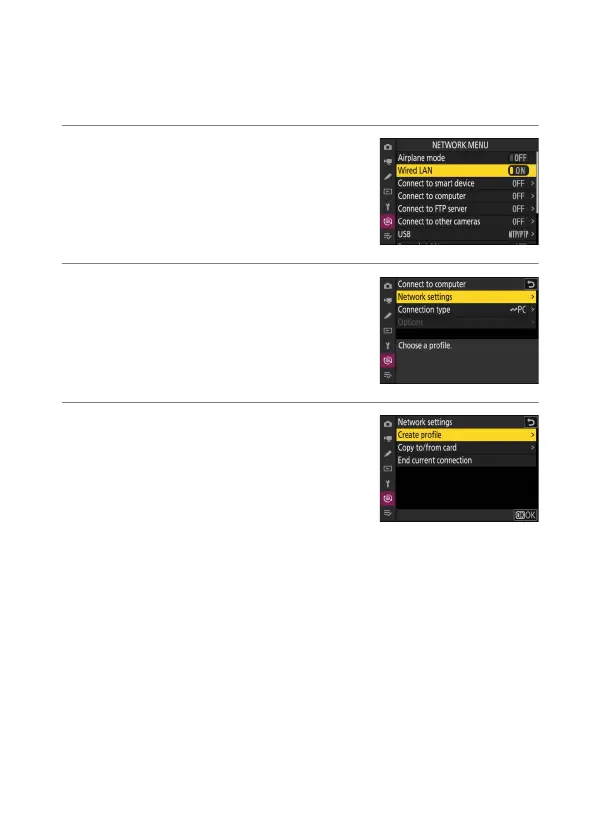
1
Select [ON] for [Wired LAN] in the
network menu.
2
Select [Connect to computer] in the
network menu, then highlight [Network
settings] and press
2
.
3
Highlight [Create profile] and press
J
.



 To Next Page