358
Computers: Connecting via Ethernet or Wireless LAN
❚❚
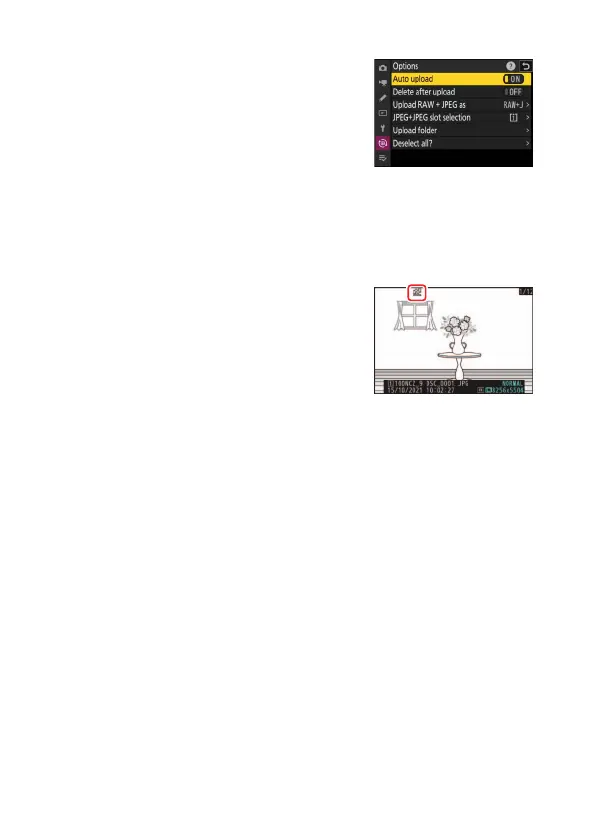
Uploading Photos as They Are Taken
To upload new photos as they are taken,
select [ON] for [Connect to computer]>
[Options]> [Auto upload] in the network
menu.
•
Upload begins only after the photo has
been recorded to the memory card. Be sure
a memory card is inserted in the camera.
•
Videos are not uploaded automatically. They must instead be
uploaded manually from the playback display.
❚❚
The Upload Icon
Upload status is indicated by the upload icon.
s
(white): Priority upload
The picture has been manually selected for
upload. Pictures marked with this icon will be
uploaded before pictures marked
W
(“upload”).
W
(white): Upload
The picture has been selected for upload but upload has not yet begun.
X
(green): Uploading
Upload in progress.
Y
(blue): Uploaded
Upload complete.



 To Next Page