371
FTP Servers: Connecting via Ethernet or Wireless LAN
7
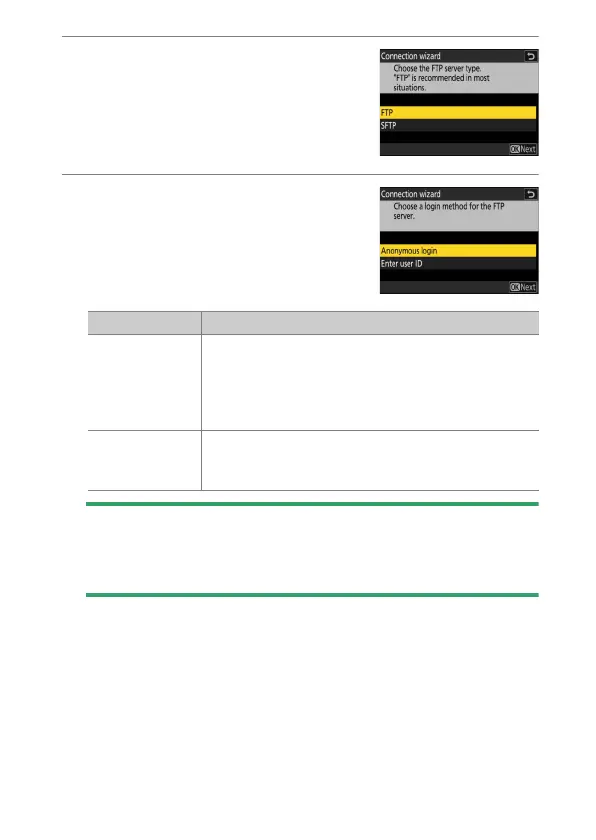
Choose the server type.
Highlight [FTP] or [SFTP] (secure FTP) and
press
J
to display a dialog where you can
choose a login method.
8
Log in.
Highlight one of the following options
and press
J
.
D
Firewall Settings
TCP ports 21 and 32768 through 61000 are used for [FTP], TCP ports 22
and 32768 through 61000 for [SFTP]. File transfer may be blocked if the
server firewall is not configured to allow access to these ports.
Option Description
[Anonymous
login]
Select this option if the server does not require a user
ID or password. This option can only be used with
servers that are configured for anonymous login. If
login is successful, the camera will prompt you to
choose a destination.
[Enter user ID]
Enter a user ID and password. Press
J
to log in when
entry is complete. If login is successful, the camera
will prompt you to choose a destination.



 To Next Page