381
FTP Servers: Connecting via Ethernet or Wireless LAN
12
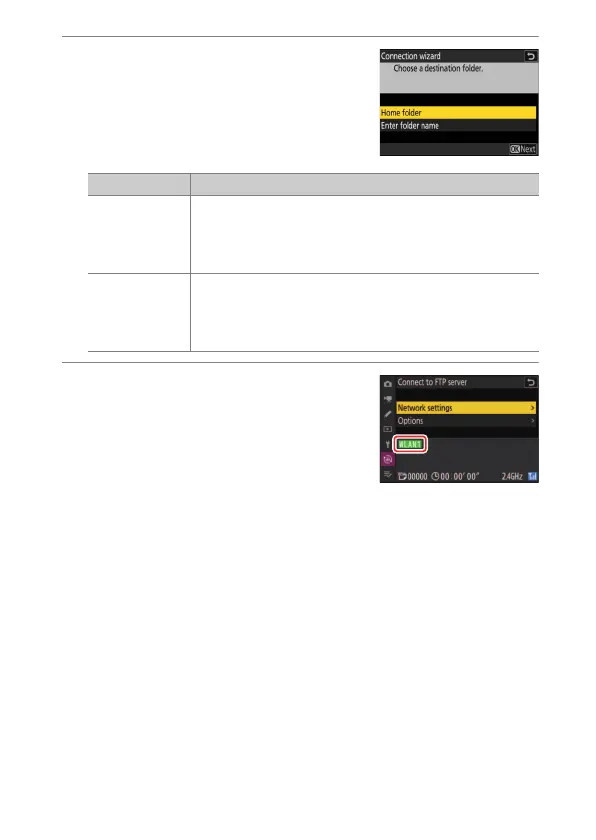
Choose a destination folder.
Highlight one of the following options
and press
J
.
13
Check the connection.
When a connection is established, the
profile name will be displayed in green in
the camera [Connect to FTP server]
menu.
A wireless connection has now been established between the
camera and the FTP server.
Pictures taken with the camera can be uploaded to the FTP server
as described in“Uploading Pictures” (
0
389).
Option Description
[Home folder]
Select this option to select the server’s home folder as
the destination for pictures uploaded from the camera.
A “setup complete” dialog will be displayed if the
operation is successful.
[Enter folder
name]
Enter the destination folder name manually. The folder
must already exist on the server. Enter the folder name
and path when prompted and press
J
to display the
“setup complete” dialog.



 To Next Page