406
Synchronized Release
6
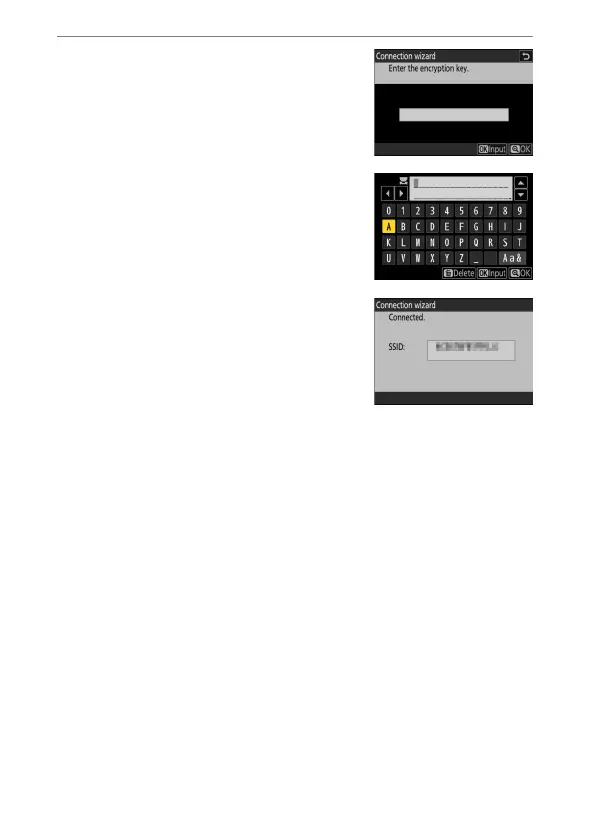
Enter the encryption key.
•
Press
J
and enter the encryption key for
the wireless router.
•
For more information on the wireless
router encryption key, see the
documentation for the wireless router.
•
Press
X
when entry is complete.
•
Press
X
again to initiate the connection.
A message will be displayed for a few
seconds when the connection is
established.



 To Next Page