443
Radio AWL
7
f
: Confirm that the flash-ready lights for all flash units are lit.
In radio AWL, the flash-ready indicator will light in the camera
shooting display when all flash units are ready.
D
Listing Remote Flash Units
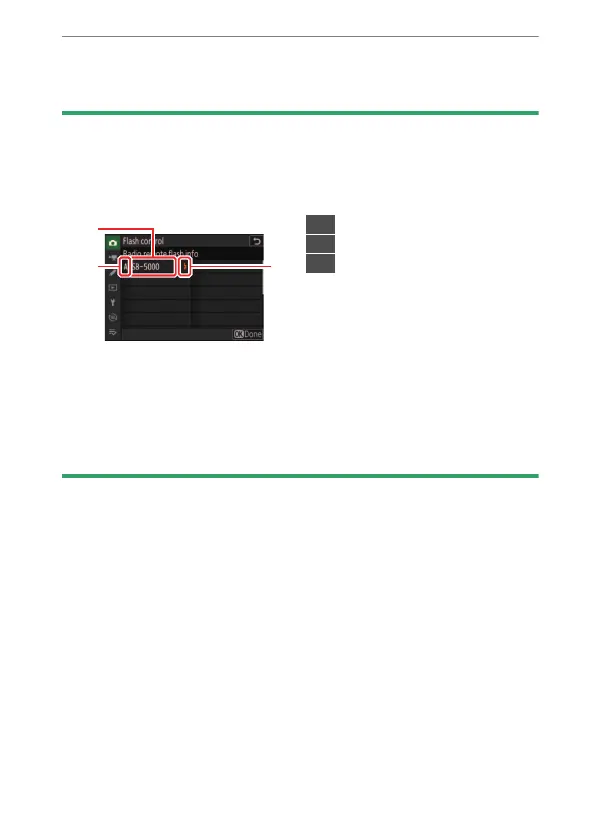
To view the flash units currently controlled using radio AWL, select [Flash
control]> [Radio remote flash info] in the camera photo shooting menu.
•
The identifier (remote flash unit name) for each unit can be changed using
flash unit controls.
D
Reconnecting
As long as the channel, link mode, and other settings remain the same, the
WR-R11a/WR-R10 will automatically connect to previously paired flash units
when remote mode is selected on the flash unit, and Steps 3–6 can be
omitted. The flash unit LINK lamp lights green when a connection is
established.
1
Connected flash unit
2
Group
3
Flash-ready indicator



 To Next Page