467
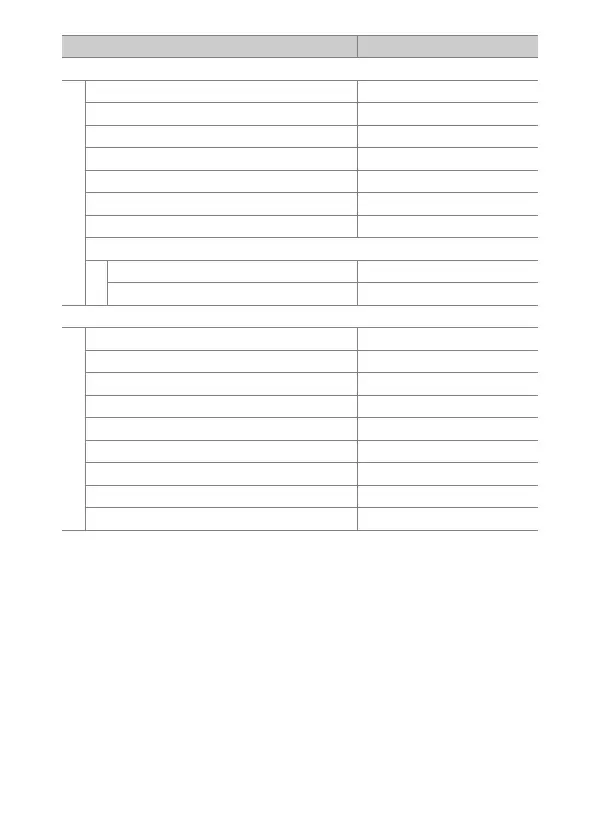
Defaults
[Interval timer shooting]
[Choose start day/time]Now
[Interval] 1 min.
[Intervals×shots/interval] 0001×1
[Exposure smoothing]ON
[Interval priority]OFF
[Focus before each shot]OFF
[Options]Off
[Starting storage folder]
[New folder]
U
[Reset file numbering]
U
[Time-lapse video]
[Interval]5s
[Shooting time] 25 min.
[Exposure smoothing]ON
[Choose image area]FX
[Video file type] H.265 8-bit (MOV)
[Frame size/frame rate] 3840×2160; 30p
[Interval priority]OFF
[Focus before each shot]OFF
[Destination]Slot 1
Photo shooting menu option Default



 To Next Page