48
Parts of the Camera
A
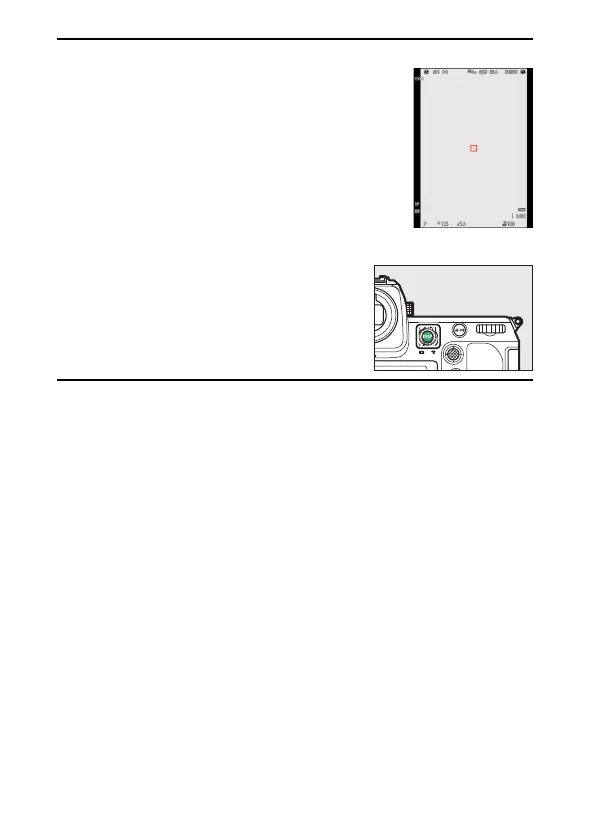
Using the Viewfinder with the Camera in “Tall” Orientation
When the camera is rotated to take pictures in “tall”
(portrait) orientation, the display in the viewfinder
rotates to match (photo mode only).
A
Choosing a Display
Press the DISP button to cycle the shooting
display. Choose from up to four displays, each
with a customizable selection of icons and
indicators. The items displayed can be selected
using Custom Setting d18 [Custom viewfinder
shooting display] (
0
636).



 To Next Page