531
C
The Photo Shooting Menu: Shooting Options
4
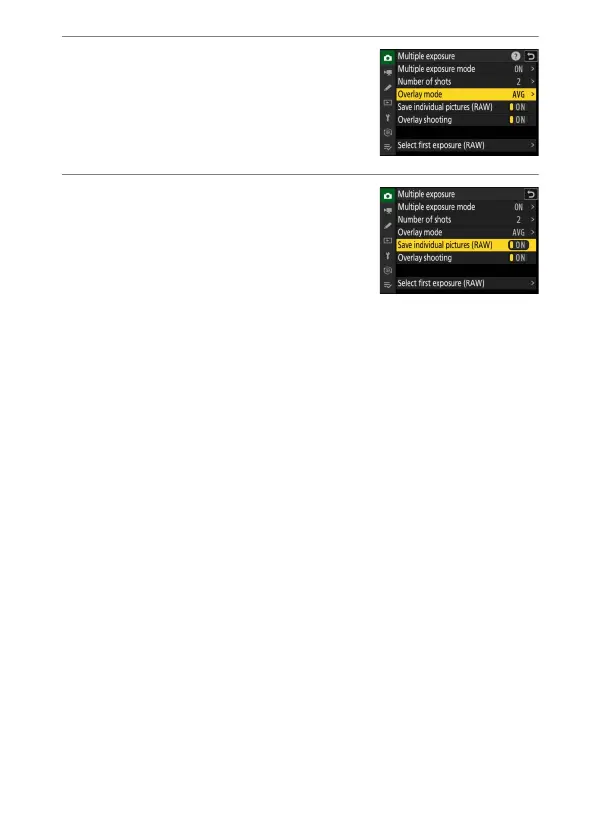
Select an [Overlay mode].
•
Highlight [Overlay mode] and press
2
.
•
Highlight an option using
1
or
3
and
press
J
.
5
Choose a setting for [Save individual
pictures (RAW)].
To save both the multiple exposure and
the shots that make it up, select [ON]; the
individual shots are saved in NEF (RAW)
format. To save only the multiple
exposure, select [OFF].



 To Next Page