539
C
The Photo Shooting Menu: Shooting Options
•
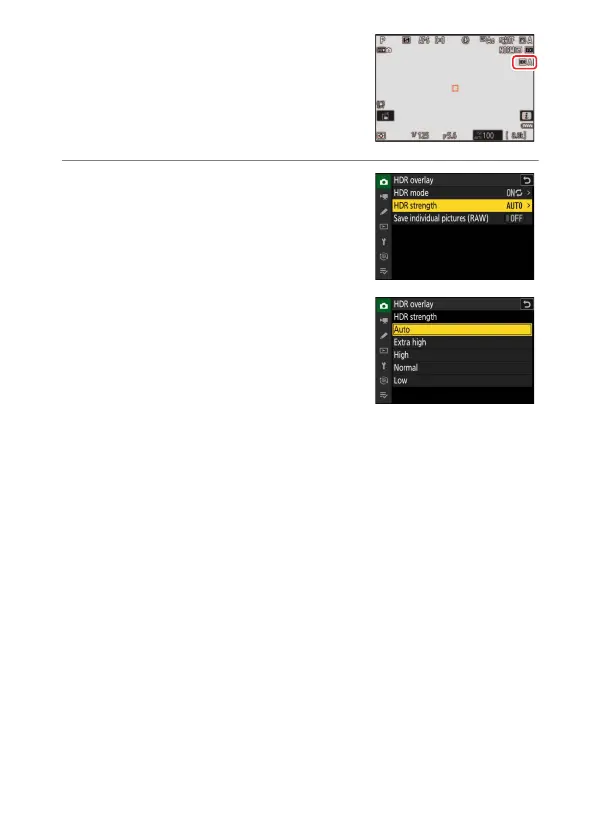
If [On (series)] or [On (single photo)] is
selected, an icon will appear in the
display.
3
Choose an [HDR strength].
•
Highlight [HDR strength] and press
2
.
•
Highlight an option using
1
or
3
and
press
J
.
•
If [Auto] is selected, the camera will
automatically adjust HDR strength to
suit the scene.



 To Next Page