563
C
The Photo Shooting Menu: Shooting Options
3
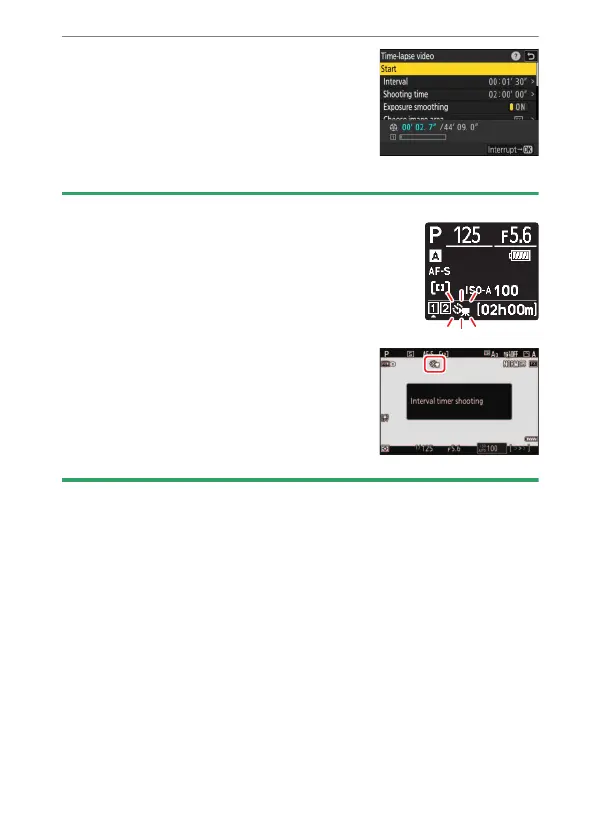
Highlight [Start] and press
J
.
•
Shooting starts after about 3 s.
•
The display turns off during shooting.
•
The camera takes pictures at interval
selected for [Interval] for the time
selected for [Shooting time] in Step 2.
D
During Shooting
•
A
8
icon is displayed in the control panel during
shooting.
•
If the display is turned on by pressing the
shutter-release button halfway, the message
[Interval timer shooting] will be displayed
and the
8
icon will flash.



 To Next Page