63
The Menus
A
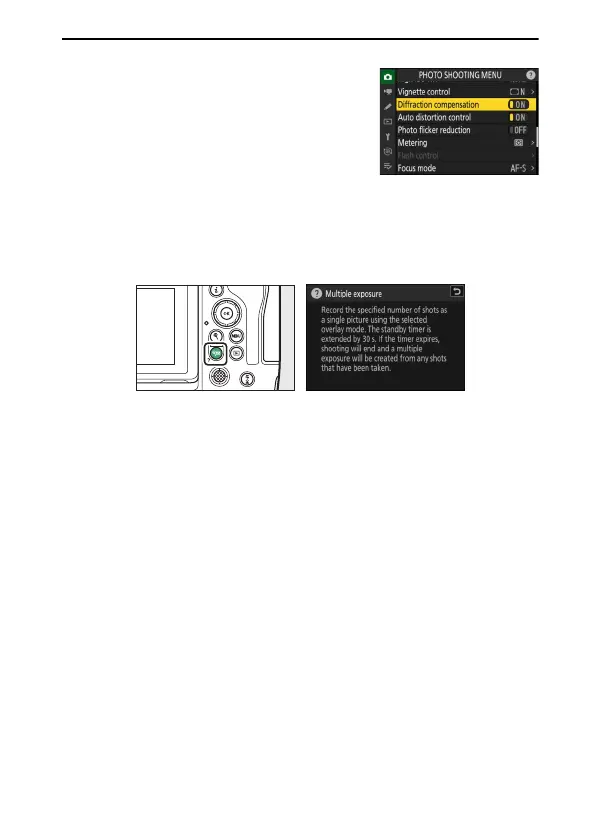
ON/OFF Only Items
If the only options available for the current item
are [ON] and [OFF], you can switch from [ON] to
[OFF] or vice versa simply by pressing
J
, pressing
the multi selector right (
2
), or tapping the item
in the display.
A
The
d
(Help) Icon
•
Where available, a description of the currently-selected item can be viewed
by pressing the
W
(
Q
) button.
•
Press
1
or
3
to scroll.
•
Press
W
(
Q
) again to return to the menus.
A
Touch Controls
You can also navigate the menus using touch controls (
0
53).



 To Next Page