73
Charging the Battery
•
To charge the battery, plug the charging AC adapter in to a household
power outlet. The charge lamps flash while charging is in progress and
stop flashing as charging completes.
•
Insert the battery (terminals first), aligning the end of the battery with
the guide and then sliding the battery in the direction indicated until
it clicks into place.
•
An exhausted battery will fully charge in about 4 hours.
•
As charging progresses, the charge lamps will light one at a time until
charging is complete and all three lamps are lit.
•
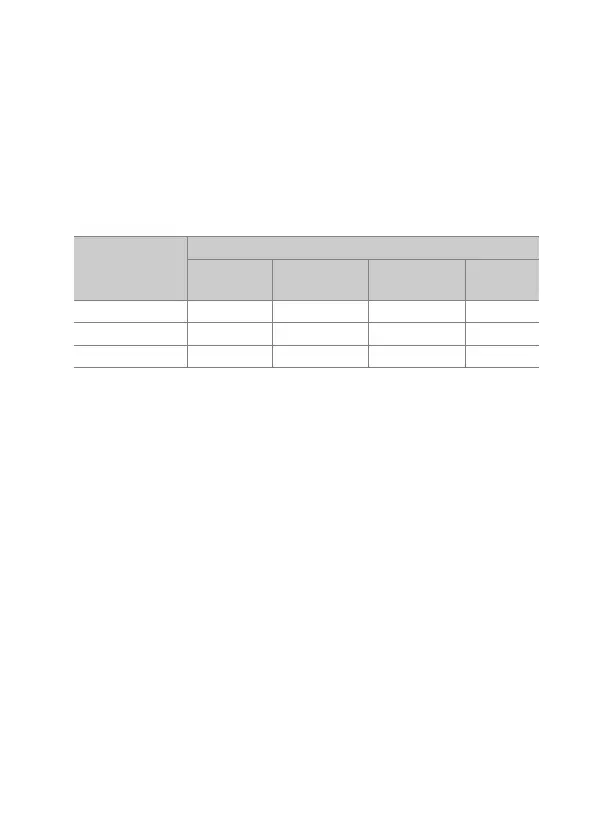
Battery status is shown by the charge lamps:
Charge lamps
Charge state
<50% ≥50%, <80%
≥80%,
<100%
100%
100%
I
(off)
I
(off)
H
(flashes)
K
(on)
80%
I
(off)
H
(flashes)
K
(on)
K
(on)
50%
H
(flashes)
K
(on)
K
(on)
K
(on)



 To Next Page