740
B
The Setup Menu: Camera Setup
•
Regardless of the option selected for [Link mode], signals from paired
wireless remote controllers will always be received by the WR-R11a or
WR-R10. Users of the WR-1 wireless remote controller will need to
select pairing as the WR-1 link mode.
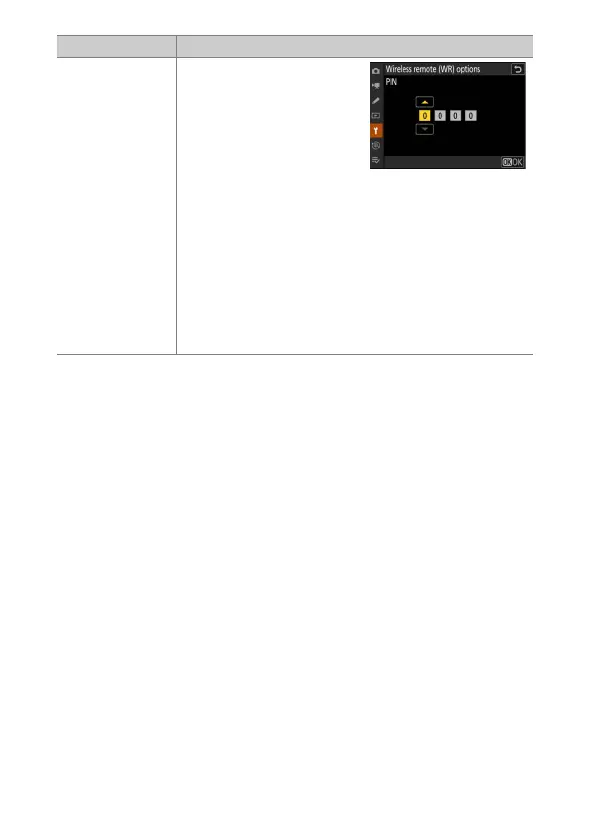
[PIN]
Communication is shared
among all devices with the
same four-digit PIN. Enter a
four-digit PIN of your
choosing. Press
4
or
2
to
highlight digits and press
1
or
3
to change. Press
J
to
enter and display the selected PIN.
•
This option is a good choice for photography
featuring a large number of remote devices.
•
If there are multiple cameras present that share the
same PIN, the flash units will be under the sole control
of the camera that connects first, preventing all other
cameras from connecting (the LEDs on the wireless
remote controllers connected to the affected cameras
will blink).
Option Description



 To Next Page