776
O
My Menu/
m
Recent Settings
2
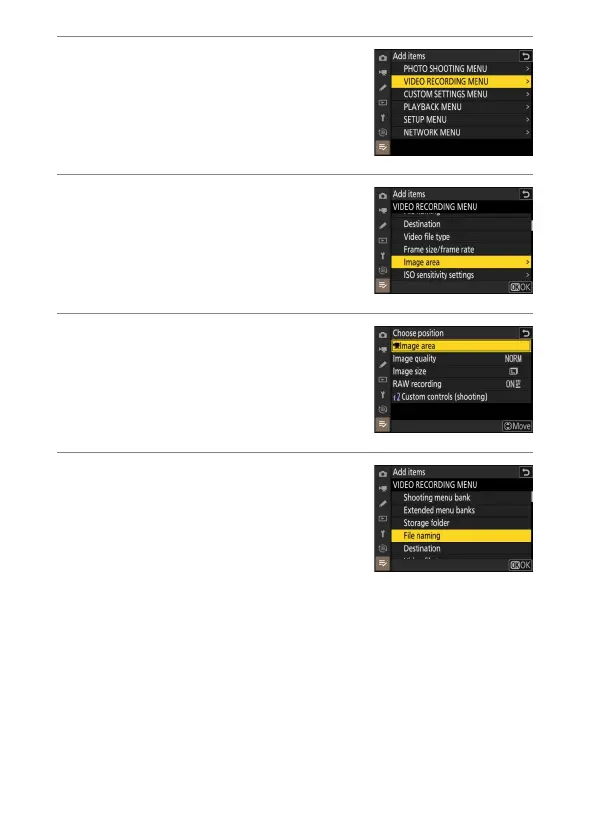
Select a menu.
Highlight the name of the menu
containing the item you wish to add and
press
2
.
3
Select an item.
Highlight the desired menu item and
press
J
.
4
Position the new item.
Press
1
or
3
to position the new item
and press
J
to add it to My Menu.
5
Add more items.
•
The items currently displayed in My
Menu are indicated by a check mark (
L
).
•
Items indicated by a
V
icon cannot be
selected.
•
Repeat Steps 1–4 to select additional
items.



 To Next Page