The Intelligent Surveillance Solution
NUUO NVR/DVR/Hybrid NDVR System
- 109 -
Show counting result: Check to show the counting result appointed in Main Console on each channel.
* Note: This function is not available under NUUO NVR Lite license.
Play Sound Alert:
Enable playing sound on event: Check to enable sound alerts on events.
Sound File: Choose a sound file to play. You may use the default file or define another.
Life Cycle: Choose to allow the sound alert to close when events disappear, or define a timer to close
the sound alert automatically after a specific period of time.
Note: To execute this function, please configure “play sound” as an action of Smart Guard instant
response.
Miscellaneous:
Popup system event: Check to allow system events
appointed in Main Console to pop up
messages as warning.
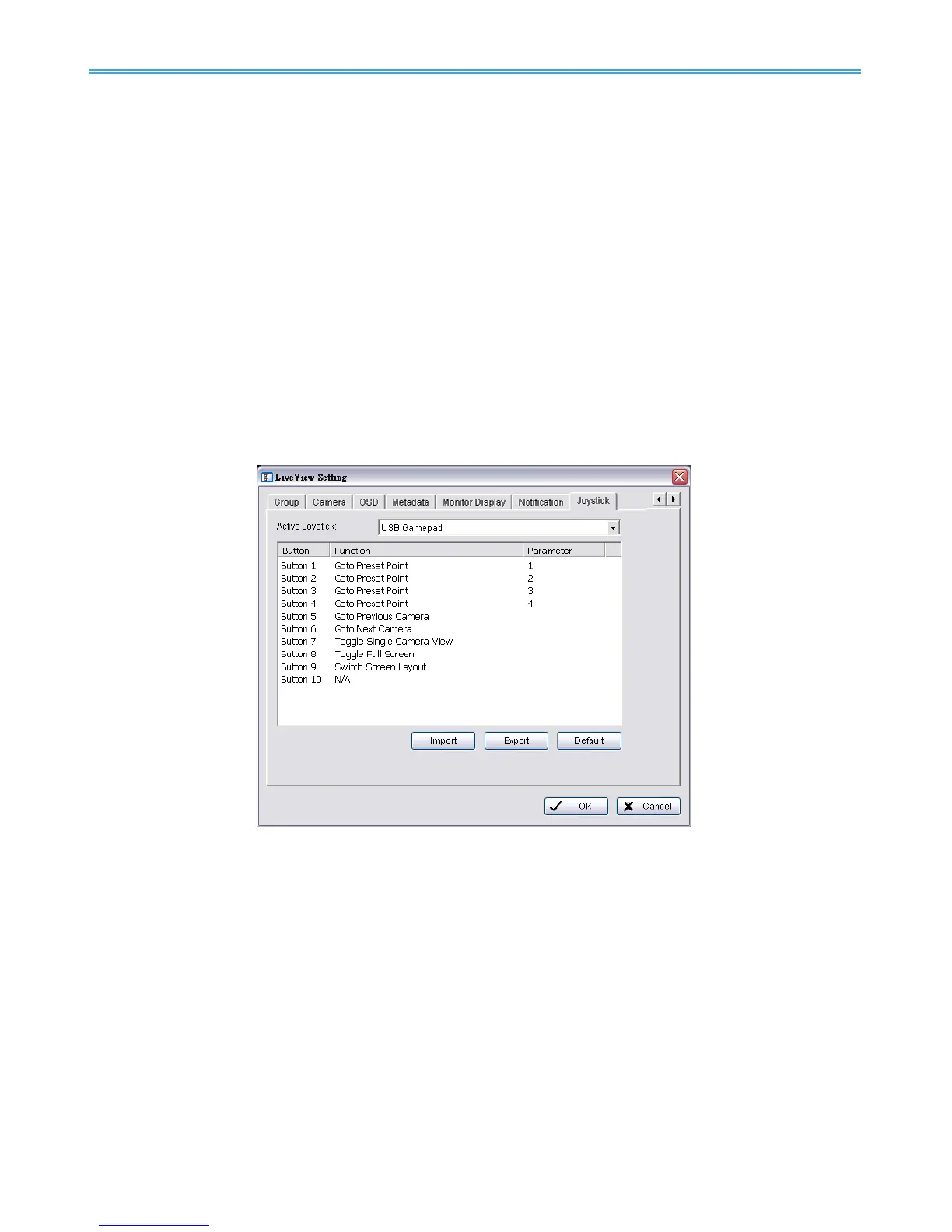
9.1.9 Joystick Setting
Settings are same to Main Console joystick settings. For details please refer to page 75.
* Note: This function is not available under NUUO NVR Lite license.



 To Next Page