The Intelligent Surveillance Solution
NUUO NVR/DVR/Hybrid NDVR System
- 48 -
3.1.2 Insert a New Schedule Manually
Step 1:
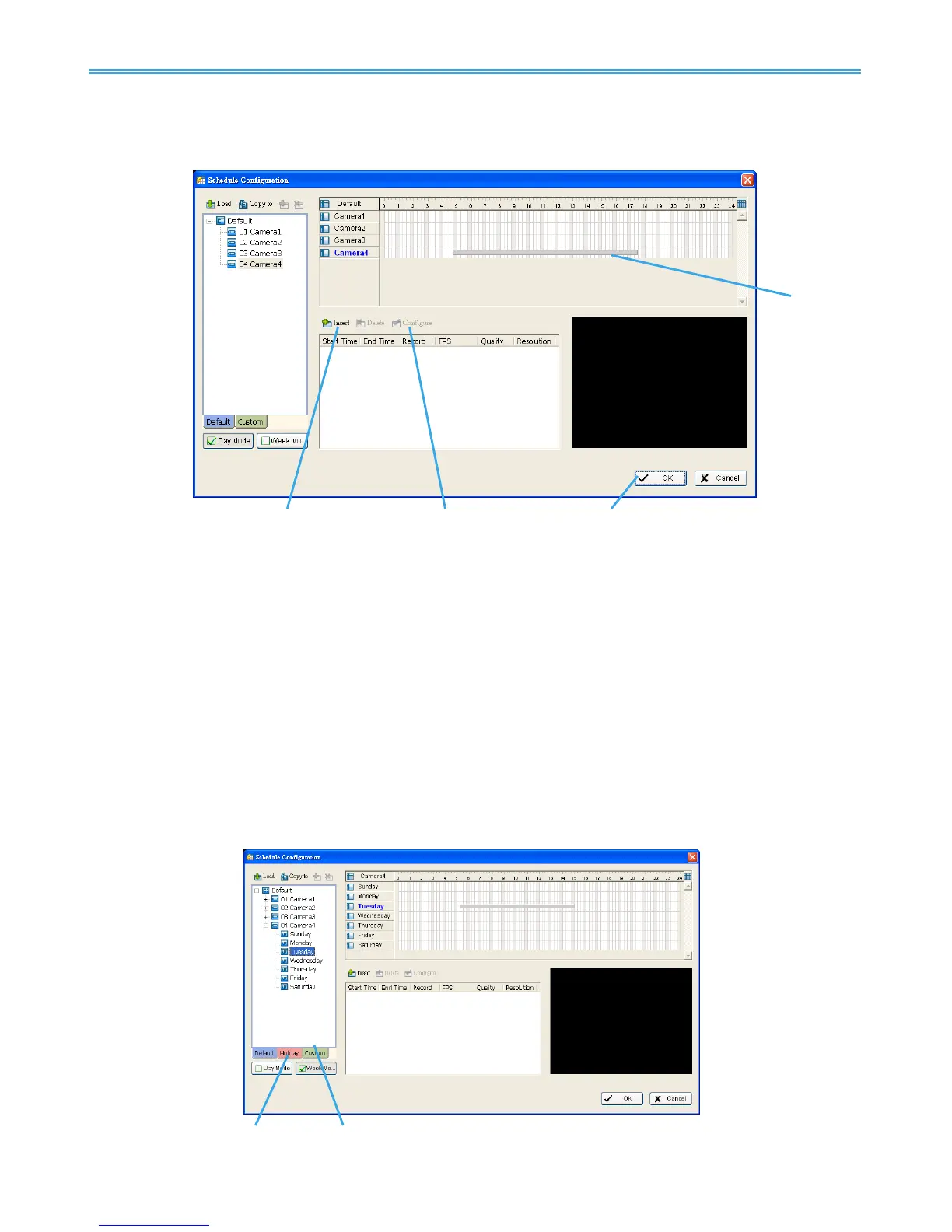
Left-click and draw the bar you want add to the time table. The scheduled time will show as a grey
bar.
Step 2: Click the Insert icon and add a new schedule in the Regular Mode, i.e. to record video during the
time period you set with 30 FPS, normal video quality, and normal resolution.
Step 3: Change the setting by clicking on the Configure icon (See page 50 for detail) or double click the
Schedule Information.
Step 4: Click OK.
3.1.3 Copy Schedule
You may set up the schedule for each channel/camera by repeating the process above, or by simply
applying the setting of a single camera to all the others by clicking the Copy To icon at the top of the display
window.
3.1.4 Holiday and Custom setting
Allows you to schedule each camera for a different day of the week, additionally, you may assign extra
holidays in the “Week” mode



 To Next Page